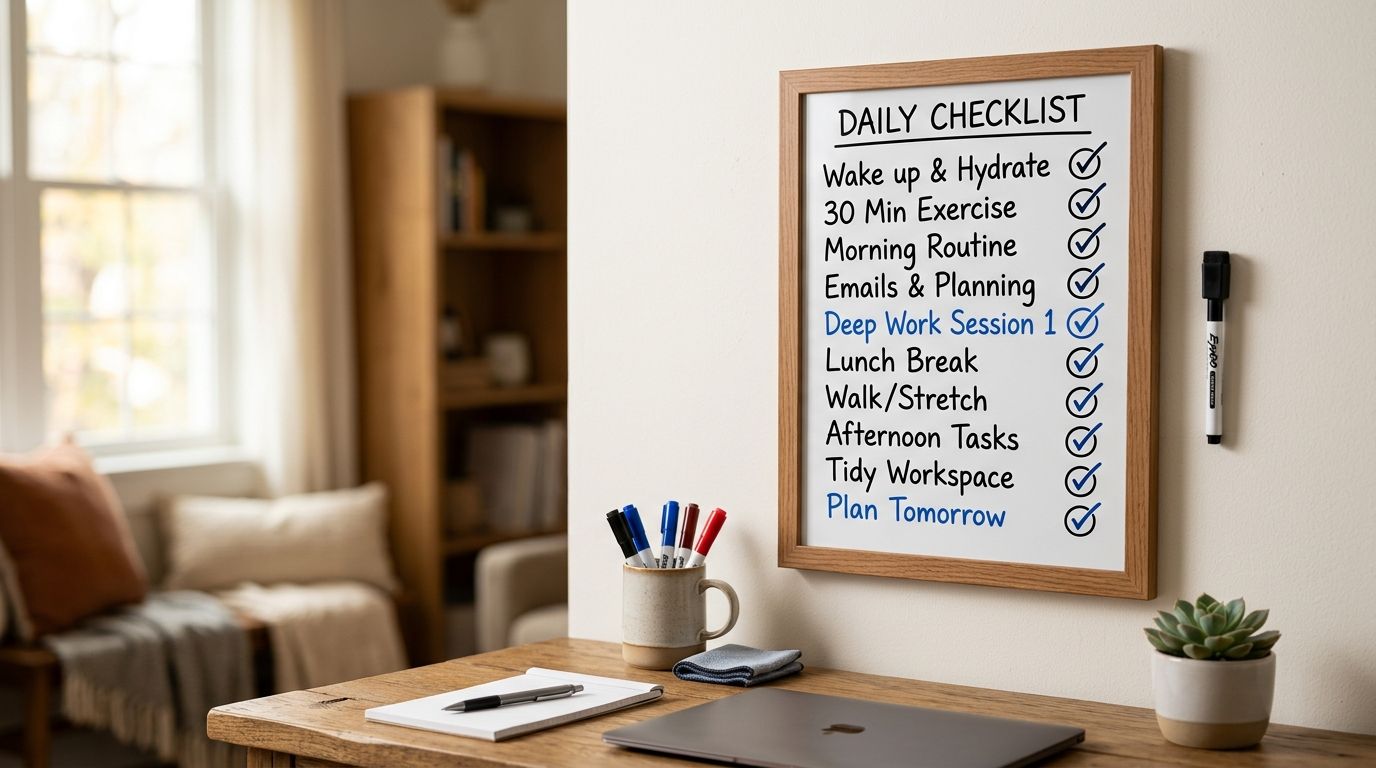
Reprinting a bucket-list checklist every time you fill it up gets expensive and it breaks the momentum of tracking your trips. Laminate the printout once — or slap it inside a peel-and-stick dry-erase sheet — and you get a reusable dry erase checklist board you wipe clean and reset for the next ballpark season, national park summer, or bourbon trail run.
- Laminating a printed Triptyka checklist in a 5-mil pouch turns it into a reusable dry erase checklist board that survives repeated check-offs.
- Fine-tip dry erase markers wipe clean off matte laminate; chisel tips and glossy finishes ghost faster.
- Peel-and-stick dry-erase sheets skip the laminator entirely and mount straight to a wall, fridge, or clipboard.
- A digital version built in GoodNotes gives you the same erase-and-reset workflow with zero paper or lamination gear.
Why this matters
A bucket-list passport is built to be checked off across years, not one road trip. If the sheet gets marked in pen the first summer, it's done — you're either buying another Triptyka checklist or letting the tracking habit die. Laminating turns a single-use printout into a board you use every season, and it's the difference between a checklist you finish once and one you actually keep for a decade of ballparks, lighthouses, or national parks.
The method also solves a real gift problem. Printable checklists move as gifts, and a laminated, marker-ready board reads as a finished product instead of a sheet of paper someone has to print and figure out themselves.
Before you start
- A full-size printout of your checklist. Home printer paper works, but card stock from a print shop lies flatter under a laminator and resists curling — the Staples or CVS printing guide covers sizing and paper stock.
- A laminator and 5-mil pouches, or peel-and-stick dry-erase sheets cut to your paper size (8.5x11 for most Triptyka lists, 11x17 for the longer regional trackers).
- Fine-tip dry erase markers, not chisel-tip. Chisel tips lay down a wide, chalky line that doesn't lift fully off laminate after a few uses.
The gotcha that trips people up in 2026 the same way it did in past years: feeding a fresh inkjet print straight into a hot laminator smears the ink before it seals. Let the printout sit at least 10 minutes after printing, or have the print shop run it on a laser printer, which handles laminator heat without bleeding.
Print your checklist at full size
- Open your Triptyka PDF and set the print dialog to Actual Size or 100% — never Fit to Page, which shrinks the checkboxes below marker-friendly size.
- Pick card stock if your printer or print shop offers it; it holds its shape better once laminated than standard 20lb paper.
- Check that every checkbox and label printed at full contrast before you move to lamination — faint gray text disappears once laminate glare hits it.
Expected result: a flat, full-bleed printout with checkboxes large enough for a fine-tip marker to fill without bleeding into the label text.
Laminate or sleeve the printout
- Center the printout inside a 5-mil laminating pouch, leaving even margin on all sides.
- Feed the sealed edge into the laminator first, per your machine's manual — feeding the open edge first is the most common jam.
- Trim the cooled sheet, leaving about 1/8 inch of clear laminate border around the paper so the seal doesn't peel at the edges.
- If you're skipping the laminator, slide the printout into a rigid dry-erase sleeve or a top-loading sheet protector rated for dry erase markers instead of wet-erase only.
Expected result: a sealed, rigid board where every checkbox sits under smooth plastic — press a fingernail on a box and it shouldn't dent or wrinkle.
Mount it where you'll actually use it
- Punch a hole in one corner or add a binder clip, then hang the board near the door, on a fridge with magnets, or clip it inside the car for road trip lists like the bourbon trail or scenic byway trackers.
- Tie or clip a dry erase marker to the same spot with a loop of string or a magnetic marker holder, so the marker never wanders off with the board.
- Wipe the board with a dry cloth before first use — new laminate sometimes carries a light residue from the sealing process that smudges the first marker stroke.
Expected result: a board that's visible in your daily path, with a marker within arm's reach, so checking off a visit takes five seconds instead of a search for a pen.
Find your next checklist to laminate
Browse Triptyka's printable bucket-list checklists before your next lamination run.
Build the same tracker with a peel-and-stick dry-erase sheet
Skip lamination entirely by using a peel-and-stick dry-erase sheet instead of a pouch. This works better for oversized printouts — a full national park checklist poster laid out for wall display, for example — where a home laminator can't handle the width. Print the checklist, trim it to size, peel the backing off the dry-erase sheet, and press it directly over the printout. The surface behaves the same as laminate for marker checks, but there's no heat, no laminator jam risk, and no waiting for the sheet to cool.
Want the same reusable workflow with zero paper at all? Instead of laminating anything, import the checklist into GoodNotes and check boxes off with a stylus, then use the undo or eraser tool to reset the layer for a new trip. It's the digital equivalent of wiping a dry erase board clean.
“If a mark doesn't wipe off in one pass, the tip is dirty or it's the wrong marker, not the laminate.”
Troubleshooting
- Marker won't fully erase. Almost always a chisel-tip marker or ink that sat on the board too long. Switch to a fine-tip, low-odor dry erase marker and wipe checks off within a day or two of marking them.
- Ink smeared during lamination. The print wasn't dry, or the printer used inkjet on a hot laminator setting. Let prints cure longer before feeding them through, or reprint on a laser printer at a shop.
- Boxes too small to mark cleanly. Reprint at 11x17 instead of 8.5x11, or split a long checklist into two smaller boards by region or category.
- Laminate won't seal at the edges. Feed the pouch slower and sealed-edge-first; a fast feed on a cold laminator is the most common cause of open corners.
- Board curls after mounting. Laminate alone can warp over time in humid rooms — mount it to a rigid backing like foam board or a clipboard for a flat, permanent board.
Customize your workflow
Once the board is mounted, the checklist itself doesn't have to stay static. If you want to add your own categories — a personal top-10 within a larger list, or notes fields next to each entry — customize the template in Canva before you print and laminate the next version. That way each new board reflects the trips you're actually planning in 2026, not just the default layout.
Running more than one bucket-list category — ballparks and national parks, say — means more than one board is worth building. Laminate each list separately rather than combining categories on one sheet; it keeps the checkbox size usable and makes each board easier to mount in its own spot.
FAQ
What's the best way to turn a printable checklist into a reusable dry erase board?
Print the checklist at full size, seal it in a 5-mil laminating pouch, and use a fine-tip dry erase marker to check items off. Peel-and-stick dry-erase sheets work the same way without a laminator.
Can you laminate a checklist without the ink smearing?
Yes, as long as the ink is fully dry before it goes through the laminator. Let inkjet prints sit 10 minutes after printing, or get a laser copy from a print shop, which handles laminator heat without bleeding.
Is a peel-and-stick dry-erase sheet better than laminating?
For oversized printouts like a full-page national park poster, yes — peel-and-stick sheets skip the laminator's width limit and heat risk entirely. For standard 8.5x11 checklists, either method works about the same.
How do you erase dry erase marker cleanly off a laminated checklist?
Use a fine-tip, low-odor dry erase marker and wipe checks off within a day or two of marking them. Marks left on for a long stretch are harder to remove and may need a cloth with a little rubbing alcohol.
What size should you print a checklist for a dry erase board?
Print at Actual Size or 100% scale, never Fit to Page. Most Triptyka checklists print cleanly at 8.5x11; longer regional lists do better at 11x17 so checkboxes stay large enough for a marker tip.
Do you need a laminator to make a reusable checklist board?
No. A peel-and-stick dry-erase sheet or a rigid dry-erase sleeve rated for markers gives you the same reusable surface without owning a laminator.
Can you make a digital dry erase checklist instead of a physical board?
Yes — import the printable PDF into an app like GoodNotes and use the eraser or undo tool to reset checkmarks between trips, the same idea as wiping a physical board clean.
One last thing
The boards that last longest aren't the ones with the thickest laminate — they're the ones mounted somewhere you pass every day. A laminated checklist sitting in a drawer gets marked once and forgotten; one clipped to the fridge or the car visor gets checked off trip after trip through 2026 and beyond, which is the whole point of building a reusable board instead of reprinting a fresh sheet each season.


