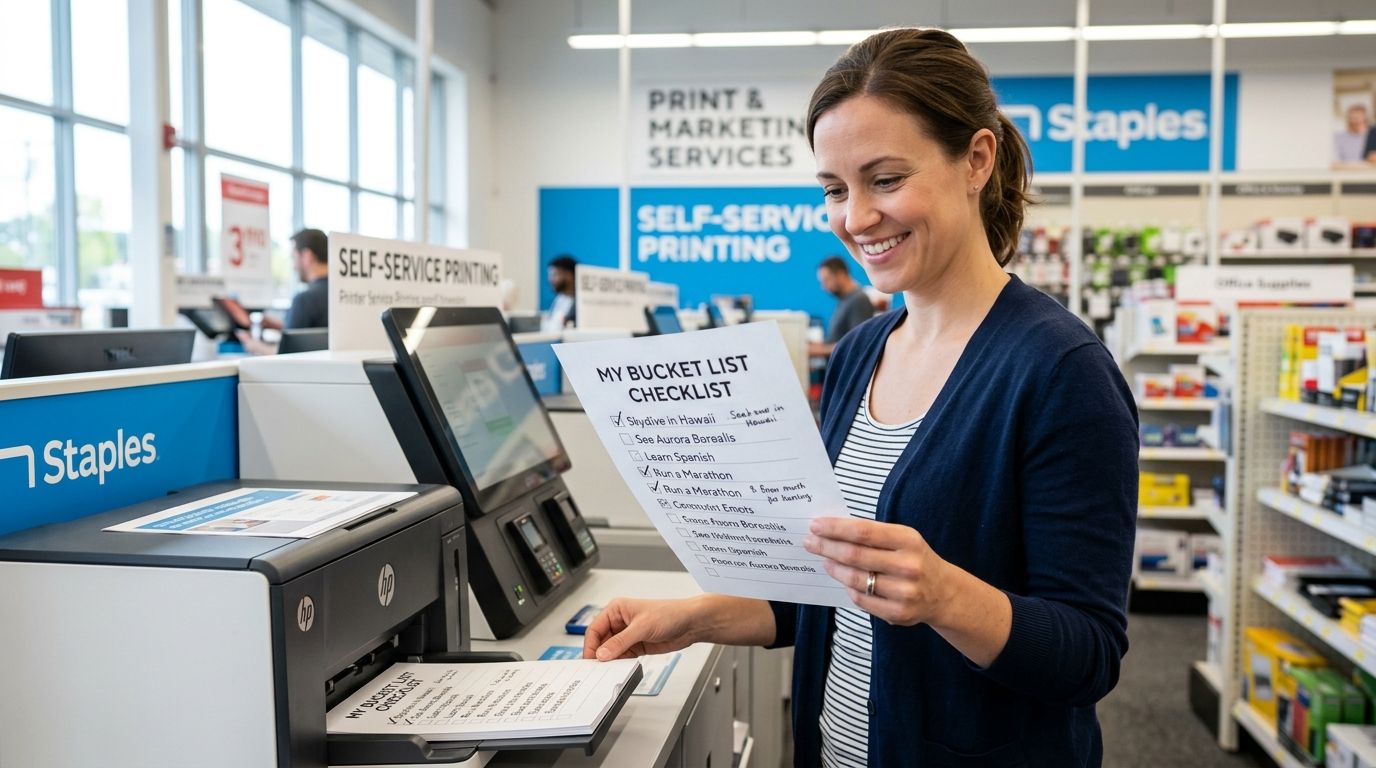
You spent $9.99 on a Triptyka bucket-list checklist and now your home printer is jamming halfway through page three. Instead of feeding a cranky inkjet one sheet at a time, upload the PDF to Staples Print & Marketing Services or CVS Photo and pick up clean, binder-ready pages the same day.
- Staples handles multi-page PDF uploads directly in 2026 and typically has them ready for same-day pickup.
- CVS Photo is built for single-image prints, so a multi-page checklist needs to be split into flattened image files first.
- Both stores offer letter-size paper and cardstock upgrades — ask about hole-punching if you're building a passport-style binder.
- Triptyka checklists download as print-ready PDFs, so there's no reformatting needed before you upload one.
Why this matters
A bucket-list checklist only works if you actually carry it — folded in a glovebox, tucked in a daypack, or clipped into a three-ring binder next to your park map. Home-printed pages curl, smear, and run out of cyan ink on page 12 of your national parks tracker. A store print job gets you consistent paper weight, real black ink, and the option to laminate a page you'll be touching with sunscreen-covered hands at a trailhead.
This matters more in 2026 than it did a few years back, since most checklist trackers, Triptyka's included, are now built for digital-first use: import into GoodNotes or a tablet, then print only the pages you want as physical backups. Knowing which store handles which file type saves you a wasted trip.
Before you start
- A digital copy of your checklist saved as a PDF for Staples, or as flattened JPG/PNG images if you're heading to CVS Photo. Have it on your phone, in an email, or synced to a Google Drive folder.
- An account with Staples.com or the CVS Photo app. Guest checkout works, but a saved login makes it easier to track order status and reorder later for a gift set.
- The gotcha: CVS Photo centers are built for photo prints, not stacked document PDFs. A multi-page checklist uploaded as one PDF file will often print only the first page or scale oddly. Convert each page to its own image before uploading to CVS.
Set up your Staples print order
Staples is the more document-friendly of the two for a full checklist packet.
- Go to Staples.com and click Print & Marketing Services from the main menu.
- Select Documents as your print type, then click Upload File and choose your saved checklist PDF.
- Under Copies, set the number of copies (order two if you're gifting a set).
- Under Paper, choose Cardstock if you want a sturdier passport-style page, or standard 20 lb for a lighter, foldable version.
- Set Color to full color if your checklist has colored badges or icons, or black and white to cut cost on longer trackers.
- Choose Same-Day Pickup and select your nearest store location.
- Review the page preview thumbnail before checkout — this is where you catch a page that uploaded sideways or cropped.
- Complete checkout and wait for the ready-for-pickup confirmation, usually within a few hours during store hours.
Expected result: you'll get an email or text confirming your order is ready, with a claim number to give the print counter associate.
Set up your CVS Photo order
CVS works best when you treat each checklist page as a photo print rather than a document.
- Open the CVS Photo app or CVS.com and select Prints.
- Choose Upload Photos, then add each checklist page as its own image file (export each PDF page as a JPG or PNG before this step).
- Select your print size — 8x10 is the closest match to a standard checklist page; some CVS locations also offer letter-size document prints at the photo counter.
- Choose matte or glossy finish. Matte holds up better to handwriting if you're checking off items in pen.
- Set quantity per page and select your pickup store.
- Complete checkout and watch for the ready-for-pickup text.
Expected result: individual printed pages ready at the photo counter, usually within an hour for in-store pickup.
Staples vs. CVS: which one to use
| Staples | CVS Photo | |
|---|---|---|
| Best for | Full multi-page checklist packets | A single page or cover sheet |
| File type accepted | PDF (multi-page) | JPG/PNG (single image per print) |
| Paper options | Standard, cardstock, color or B&W | Photo matte or glossy |
| Binding help | Hole-punch often available in-store | Not typically offered |
| Verdict | Buy — best fit for a full checklist | Skip for multi-page trackers, fine for one image |
If you're printing an entire 20+ page tracker like the bourbon trail checklist or a full national parks passport, Staples is the more reliable stop. CVS earns its keep when you just want one polished page — a cover sheet, a single lighthouse checklist page, or a gift insert.
Troubleshooting
- PDF pages print out of order at Staples. Check the page preview thumbnail before checkout — reorder pages in your PDF viewer first, since Staples prints in the exact sequence uploaded.
- CVS won't accept your multi-page file. This almost always means you uploaded a stacked PDF instead of individual images. Export each page separately as a JPG and re-upload.
- Checklist text looks blurry after printing. Low-resolution screenshots print poorly. Use the original downloaded file, not a screenshot of it, and set print quality to high if the option appears at checkout.
- Order stuck in processing past pickup time. Call the specific store location directly — in-store print queues sometimes back up separately from the online order system.
- Cardstock isn't available at your Staples pickup location. Not every store stocks every paper weight. Switch to standard paper for that trip and laminate afterward if you want the sturdier feel.
Customize your workflow
Once your first print run works, build a routine around it instead of treating it as a one-off errand.
- Laminate for outdoor trackers. A national parks checklist for RV travelers gets handled in the rain and dirt — laminating at a Staples in-store kiosk after pickup adds durability for less than reprinting a damaged page.
- Go digital instead of reprinting. If you're tired of paper runs altogether, sync your checklist to Google Drive or load it onto a tablet and skip the print counter for future updates.
- Order once, print in batches. If you collect multiple checklist types, ballparks, lighthouses, scenic byways, save the Staples upload steps as a routine and print a stack at once rather than one page at a time.
Find a checklist worth printing
Browse Triptyka's full lineup of printable bucket-list trackers before your next store run.
FAQ
What's the best place to print a bucket-list checklist, Staples or CVS?
Staples is the better choice for a full multi-page checklist since it accepts PDF uploads directly. CVS Photo works fine for a single page but requires flattened image files rather than a stacked PDF.
Can I print a PDF checklist at CVS?
Not as a multi-page PDF. CVS Photo is built for individual photo uploads, so you need to export each checklist page as its own JPG or PNG before uploading.
Does Staples print checklists in color or black and white?
Both options are available at checkout on Staples.com. Choose full color if your checklist has colored badges or icons, or black and white to keep costs down on longer trackers.
Can I laminate my checklist at Staples?
Most Staples locations offer in-store lamination as a separate service after your pages print. It's worth doing for any checklist you'll carry outdoors, like a national parks or lighthouse tracker.
How long does it take to print a checklist at Staples?
Same-day pickup is standard for most Staples locations during store hours. Order status updates arrive by email or text once your file is ready at the counter.
What paper size works best for a bucket-list checklist?
Standard letter size (8.5x11) fits most checklist formats and slides into a binder without trimming. Cardstock is a sturdier upgrade if you want a passport-style feel.
Can I get my checklist hole-punched for a binder?
Many Staples locations offer hole-punching in-store after your print job, though it's worth calling ahead to confirm at your specific location. CVS Photo generally doesn't offer this service.
Do I need to reformat a Triptyka checklist before printing it?
No. Triptyka checklists download as print-ready PDFs sized for standard letter paper, so you can upload the file as-is to Staples without adjusting margins or layout.
One last thing
Most people print once and never touch the file again, but the smarter move in 2026 is printing a working copy and keeping a digital master untouched. Print the checklist on cardstock, laminate it if it's headed outdoors, and hole-punch it into a binder — then leave the original PDF alone so you can reprint clean pages later instead of reordering from Etsy.


