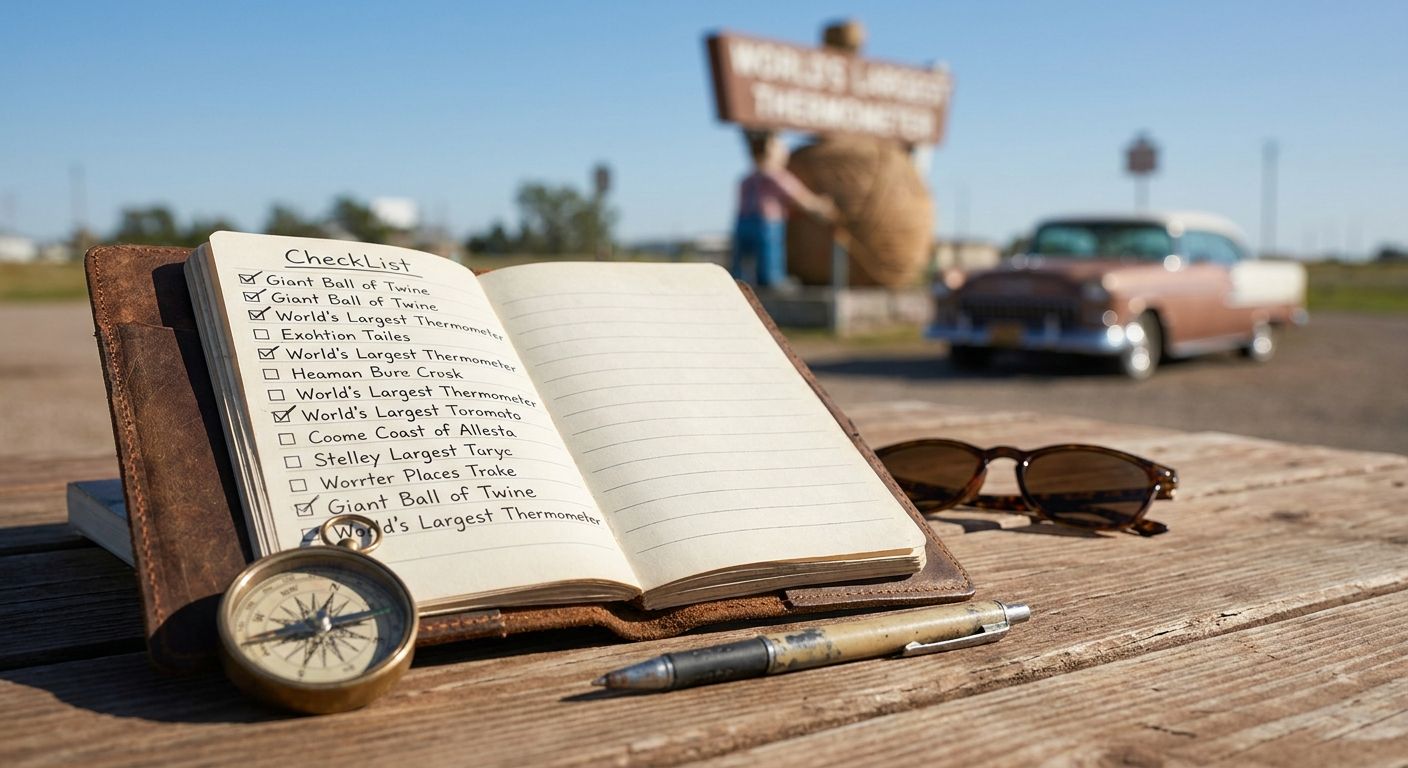
Roadside attraction hunting only stays fun if you can actually remember what you've seen and what's still on the list — otherwise you end up re-Googling "giant ball of twine" for the third summer in a row. This guide ranks the six most useful ways to track roadside attraction visits in 2026, from printable passports to phone apps to plain spreadsheets.
- Triptyka Bucket-List Passport wins for road trippers who want an offline, printable checklist they can stamp at each stop.
- Roadside America is the best discovery tool for finding weird attractions before you leave the driveway.
- Google Maps saved lists remain the best free roadside attraction checklist tracker with zero setup.
- Atlas Obscura's app suits travelers who want curated write-ups, not just pins on a map.
- DIY spreadsheets and Notion boards fit data-driven travelers who want custom fields the other tools don't offer.
Best overall: Triptyka Bucket-List Passport. Best for discovery before a trip: Roadside America. Best budget option: Google Maps saved lists. Each does a different job, so the right pick depends on whether you need to find attractions, log them, or both.
Why this matters
Roadside attractions don't show up cleanly in a single database the way national parks or MLB stadiums do — they're scattered across small towns, gas station lots, and county fairgrounds, which makes tracking harder than it should be. A printable bucket-list passport solves the memory problem without needing signal in rural stretches where apps quietly stop loading. In 2026, most road trippers are stitching together two or three tools: one for discovery, one for logging, and sometimes a third for photos.
What makes the best roadside attraction checklist tracker
- Coverage of niche categories — covered bridges, giant statues, scenic byways, and dinosaur parks all count as roadside attractions, so a good tracker doesn't force everything into one generic "landmark" bucket.
- Offline reliability — rural highways and small towns are exactly where cell service drops out.
- Visual progress tracking — checkboxes, stamps, or percentage-complete views make the gamification stick.
- Low cost with no recurring lock-in — a one-time checklist beats a subscription for something you use a few weekends a year.
- Portability — it needs to survive a glovebox, not just a home office desk.
- Discovery power — the tool should help you find attractions you didn't know existed, not just log the ones you already planned.
Roadside attraction checklist trackers at a glance
| Tracker | Best for | Standout feature | Key limitation |
|---|---|---|---|
| Triptyka Bucket-List Passport | Offline, printable tracking | Physical checklist you can stamp or check off at each stop | No live map or GPS discovery |
| Roadside America | Finding attractions before a trip | Large catalog of offbeat, small-town stops | Not built for logging visits after the fact |
| Atlas Obscura app | Curated write-ups on the go | Editorial context for each site, not just a pin | Fewer classic Americana "world's biggest" stops |
| Google Maps saved lists | Zero-cost tracking | Already installed, syncs across devices | No gamification, no printable checklist |
| Notion / spreadsheet DIY | Custom fields and filters | Full control over categories and notes | Takes setup time before it's useful |
| Paper travel journal | Screen-free logging | Works with zero battery or signal | No built-in database of attractions to check against |
1. Triptyka Bucket-List Passport: best roadside attraction checklist tracker for offline, printable tracking
Triptyka's printable passports work like a physical checklist you print once and carry for the whole trip — check a box, jot the date, move to the next stop. The format mirrors what Triptyka already does for scenic byways and covered bridges, two categories that overlap heavily with classic roadside attraction routes. Because it's a downloadable file, it works with zero signal and zero app to keep updated.
Triptyka Bucket-List Passport pros:
- Printable, so it survives dead phone batteries and dead zones
- Turns visits into a physical checklist you can display or file away afterward
- Covers adjacent niches (lighthouses, covered bridges, scenic byways) for travelers who chase more than one theme
Triptyka Bucket-List Passport cons:
- No live map or GPS-based discovery — you still need another tool to find new stops
- Requires printing before a trip, which some travelers forget to do
- Not searchable the way a digital app is
Triptyka Bucket-List Passport pricing: check current pricing on the site before your next trip.
Best for: road trippers who want a tangible, offline checklist and don't mind printing ahead of time. Verdict: Buy.
Build your own road trip checklist
Browse printable bucket-list passports for lighthouses, scenic byways, and more.
2. Roadside America: best roadside attraction checklist tracker for discovering stops before you leave
Roadside America has cataloged offbeat American attractions for years and remains the go-to reference for finding the weird stuff — giant statues, odd museums, novelty landmarks — before you hit the road. It's a discovery tool first, not a personal logging system.
Roadside America pros:
- Deep catalog of small-town and roadside oddities most travelers wouldn't find on their own
- Well-known within the road trip community, so listings tend to be accurate
- Free to browse
Roadside America cons:
- Not designed to track which stops you've personally visited
- No printable or gamified checklist format
- Site navigation feels dated compared to app-first tools
Roadside America pricing: free to browse.
Best for: planning the next leg of a trip before you leave home. Verdict: Buy (as a planning tool, not a tracker).
3. Atlas Obscura app: best roadside attraction checklist tracker for curated write-ups on the go
Atlas Obscura's app pairs a map of unusual places with short editorial write-ups, which is useful when you want context on why a spot matters, not just its GPS pin. It leans toward the strange-and-hidden side of roadside attractions more than classic "world's largest" Americana stops.
Atlas Obscura app pros:
- Editorial context on each listing instead of a bare pin
- Works well for travelers who want a story with the stop
- Mobile-first, easy to check while driving through a new town
Atlas Obscura app cons:
- Skews toward curated "hidden gem" attractions, lighter on classic roadside kitsch
- Requires a working connection to load full listings in some areas
- No printable checklist format for travelers who prefer paper
Atlas Obscura app pricing: check current pricing in the app store listing.
Best for: travelers who want narrative context alongside the checklist. Verdict: Buy.
4. Google Maps saved lists: best roadside attraction checklist tracker for zero cost
Most travelers already have Google Maps installed, which makes its saved lists feature the lowest-friction way to pin roadside attractions as you find them and check them off by removing the pin once visited. It's not built for this use case specifically, but it works.
Google Maps saved lists pros:
- Already installed on nearly every phone
- Syncs across devices automatically
- Completely free
Google Maps saved lists cons:
- No gamification, stamps, or visual progress tracking
- No built-in database of roadside attractions to pull from
- Easy to lose track of lists buried in the app's menus
Google Maps saved lists pricing: free.
Best for: travelers who want the cheapest possible option and don't mind a plain interface. Verdict: Hold — fine as a backup, weak as a primary tracker.
5. Notion or spreadsheet DIY tracker: best roadside attraction checklist tracker for custom fields
A spreadsheet or Notion board gives full control over categories — state, attraction type, distance from the highway, whether it charges admission — that pre-built trackers don't offer. It takes longer to set up but rewards travelers who like sorting and filtering their data.
DIY tracker pros:
- Complete control over categories and filters
- Works for any niche, including ones no pre-built checklist covers
- Free if you already use Notion or Google Sheets
DIY tracker cons:
- Setup time before it's actually useful
- No built-in list of attractions to check off — you're building the database yourself
- Less satisfying than a stamped, printable checklist for casual travelers
DIY tracker pricing: free with an existing Notion or spreadsheet account.
Best for: data-driven travelers who want to slice their trip history by custom fields. Verdict: Hold — worth it only if you enjoy the setup.
6. Paper travel journal: best roadside attraction checklist tracker for screen-free logging
A plain paper journal is the lowest-tech option on this list, and it still works when everything digital fails. It doesn't come with a database of attractions, so it's purely a logging tool, not a discovery one.
Paper travel journal pros:
- Zero dependency on battery or signal
- Personal and easy to annotate with photos or ticket stubs
- No learning curve
Paper travel journal cons:
- No pre-built list of attractions, so you're starting from a blank page
- Easy to lose or damage on a long trip
- No visual progress tracking beyond your own notes
Paper travel journal pricing: varies by notebook.
Best for: travelers who want a screen-free keepsake more than a structured checklist. Verdict: Skip unless you specifically want a journal, not a tracker.
How we ranked
Each tracker was weighed against the six criteria above: category coverage, offline reliability, visual progress tracking, cost, portability, and discovery power. Printable and app-based tools scored highest on portability and progress tracking; discovery-only tools like Roadside America scored highest on coverage but lowest on logging.
Which roadside attraction checklist tracker should you choose?
If you're undecided, start with a two-tool combo: Roadside America for finding stops before the trip, and the Triptyka Bucket-List Passport for logging them once you're on the road. Travelers who want everything in one app should try Atlas Obscura; anyone who just wants free and simple should stick with Google Maps saved lists. In 2026, the printable-plus-discovery combo remains the most reliable setup for anyone chasing a long roadside attraction list across multiple road trips.
FAQ
What's the best roadside attraction checklist tracker in 2026?
The Triptyka Bucket-List Passport is the best overall pick for logging visits because it's printable and works without cell signal. Roadside America pairs well with it for finding new stops before a trip.
Is a printable checklist better than an app for roadside attractions?
A printable checklist works better in rural areas with weak cell signal, since it needs no connection at all. Apps like Atlas Obscura add curated write-ups but depend on a working connection to load full listings.
How much does a roadside attraction checklist cost?
Costs vary by product and tool, so check current pricing directly on the seller's page before buying. Free options like Google Maps saved lists cost nothing but skip the gamified checklist format.
Does Google Maps work as a roadside attraction tracker?
Yes, saved lists in Google Maps let you pin attractions and remove them once visited at no cost. It lacks gamification and a built-in database of attractions, so it works best as a backup tool.
What's the difference between Roadside America and Atlas Obscura?
Roadside America focuses on cataloging classic Americana oddities like giant statues and novelty museums. Atlas Obscura leans toward curated, story-driven write-ups of hidden or unusual places.
Can I track roadside attractions without an app?
Yes, a printable passport checklist or a paper travel journal both work without any app installed. Printable checklists have the advantage of a pre-built list of stops to check off.
Are roadside attraction checklists good for kids on road trips?
A printable checklist with checkboxes or stamps gives kids a visual sense of progress on long drives. It also turns stops into a small game rather than just another parking lot.
What roadside attraction categories overlap with other checklist niches?
Covered bridges, scenic byways, dinosaur and paleontology sites, and gem and mineral sites all count as roadside attractions in most travelers' definitions. Trackers built for those niches double as roadside attraction trackers on the same route.
One last thing
Most roadside attraction lists fail not because the tracker is bad, but because travelers rely on a single tool to both find and log stops — no single option on this list does both well in 2026. Pair a discovery tool with a printable or app-based logging tool and the checklist actually gets finished instead of abandoned after the first weekend trip.


