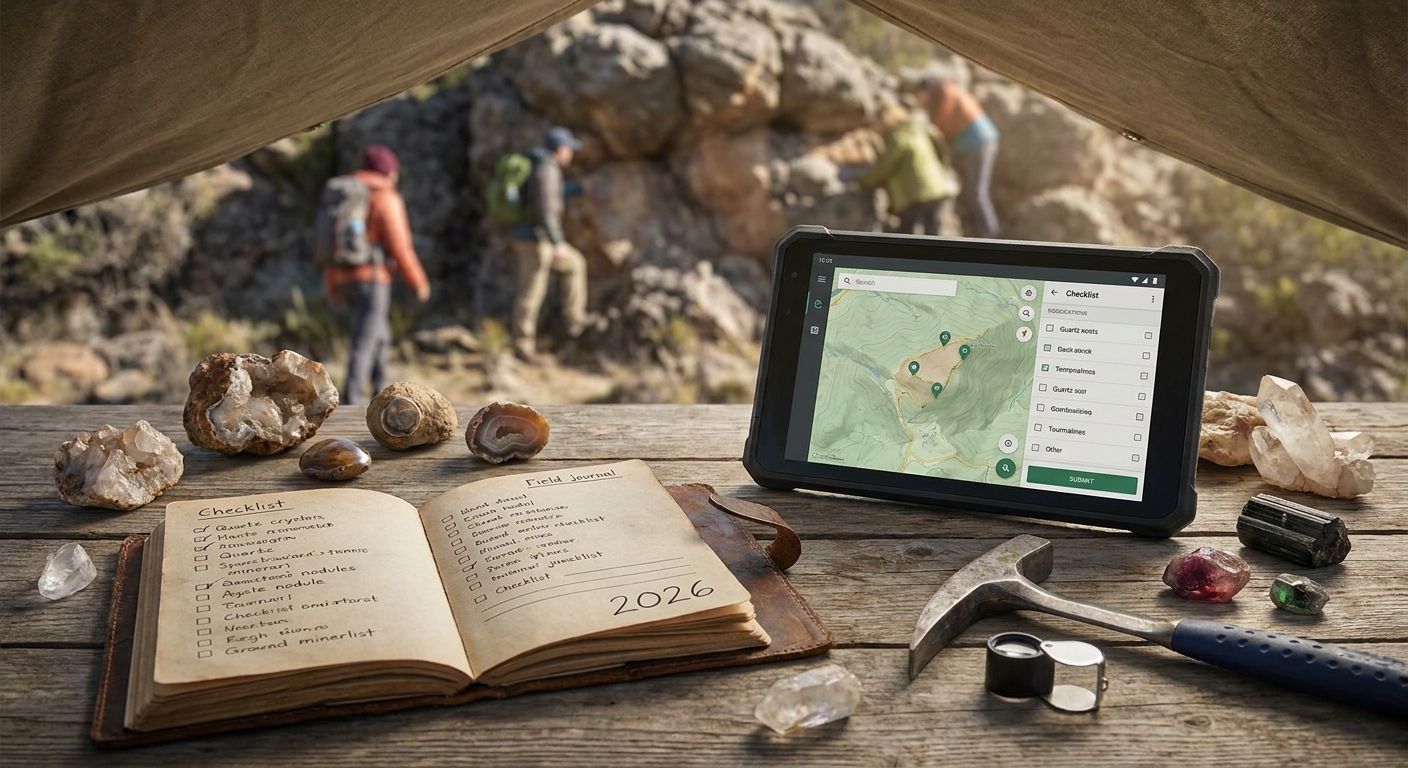
Ranking checklist trackers for gem and mineral site hunting means comparing very different tools: printable passports, GPS apps, free databases, and plain paper journals — not five versions of the same app.
- Triptyka's printable passport-style checklist wins for collectors who want a physical, stampable record of every dig site and mineral show visited.
- Mindat.org is the best gem and mineral site checklist tracker for verified locality and specimen data, free to browse in 2026.
- Rockd (University of Wisconsin) wins for GPS-tagged field logging tied to real geologic map data.
- Google Sheets is the free, fully customizable option for rockhounds who want their own columns and filters.
- A paper field journal still beats every app when you're miles from cell signal at a remote quarry.
Best overall: Triptyka's printable gem and mineral checklist passport. Best for verified site data: Mindat.org. Best for GPS field logging: Rockd. Best budget option: a Google Sheets tracker. Best for zero-signal remote digs: a paper field journal.
Why this matters
Rockhounding and mineral collecting isn't a single hobby — it's quarries, public dig sites, gem shows, mine tailings, and museum collections, and no single tool tracks all of it well. Most collectors end up juggling three things at once: a locality database to figure out where to go, some way to log where they've already been, and notes on what they actually found. Picking the wrong combination in 2026 means duplicate trips to sites you already logged or, worse, no record at all once a quarry closes access.
The Triptyka checklist library covers this same tracking problem across other hobby categories — ballparks, lighthouses, national parks — using a printable, stamp-as-you-go format built for people who want a physical object to show progress, not another app notification. That model translates directly to gem and mineral site hunting, where a paper checklist survives dead zones that GPS apps can't handle.
What makes the best gem and mineral site checklist tracker
- Site coverage — includes quarries, mines, public dig sites, and gem shows, not just national parks
- Offline reliability — still usable with zero cell signal at a remote tailings pile
- Gamification — checkboxes, visit dates, and a visible sense of progress
- Data accuracy — locality and mineral ID info sourced from geologists or working collectors
- Customization — room to add your own local spots that no database lists
- Cost and accessibility — free versus paid, digital versus printable
At a glance
| Item | Best for | Standout feature | Key limitation |
|---|---|---|---|
| Triptyka printable checklist passport | Physical, stampable record of visits | Print-at-home passport format | No live locality data or maps |
| Mindat.org | Verified locality and specimen data | Collector- and geologist-contributed database | Not built as a visit-tracking checklist |
| Rockd app | GPS-tagged field logging | Ties finds to USGS geologic map layers | Needs a data connection to load new map tiles |
| Google Sheets tracker | Free, fully customizable tracking | Build your own columns and filters | No built-in locality or mineral data |
| Paper field journal | Off-grid, zero-signal logging | Works anywhere, no battery required | Fully manual, no search or maps |
1. Triptyka printable checklist passport: best for physical, gamified tracking
Triptyka's passport-style checklist is a downloadable, printable document you fill in by hand as you visit sites — the same format the brand uses for national parks, lighthouses, and bourbon trails. Applied to gem and mineral hunting, it works as a running log of quarries, digs, and gem shows, with space to check off each visit and note the date.
It's built for the collector who wants something tangible to flip through, not a screen. There's no map layer and no locality database baked in, so you're pairing it with your own research on where to actually go.
Triptyka checklist pros:
- Works completely offline, no app or account needed
- Print-at-home format you can carry in a field bag
- Same gamified checkbox model used across other Triptyka hobby checklists
Triptyka checklist cons:
- No built-in mineral ID or locality data
- Doesn't auto-update when new dig sites open or close
Format: one-time digital download, print as many copies as needed.
Best for: collectors who want a physical, checkbox-driven record and already know where they're headed.
Verdict: Buy if you want a paper-first system that survives dead zones and doesn't need charging.
2. Mindat.org: best for verified locality and specimen data
Mindat.org is a free, collector- and geologist-contributed database of mineral localities and specimen records, widely used as a reference before and after a dig. It's not a checklist in the traditional sense — it's the research layer that tells you what's actually reported at a given site.
Rockhounds use it to confirm a quarry or mine actually produces the mineral they're chasing before making the drive. It's a lookup tool first, a tracker second.
Mindat.org pros:
- Deep, contributor-verified locality and specimen data
- Free to browse, no paywall for basic lookups
- Covers international sites, not just US locations
Mindat.org cons:
- Not designed as a personal visit-tracking checklist
- Data quality varies by how active local contributors are
Best for: confirming what a site actually produces before you go.
Verdict: Buy into as a research tool, but pair it with an actual tracker for logging visits.
3. Rockd app: best for GPS field logging
Rockd, built by the University of Wisconsin–Madison, ties your field notes and photos to real USGS geologic map layers as you move. Every entry gets a GPS pin, so a season of digs turns into a mapped trail instead of a text list.
The geologic map overlay is the differentiator — you can see the formation you're standing on, not just a pin on a blank map.
Rockd pros:
- GPS-tagged entries tied to real geologic map data
- Good for logging finds with photos on the spot
- Free to download and use
Rockd cons:
- Needs a data connection to load new map tiles at unfamiliar sites
- Battery drain matters on multi-day trips
Best for: collectors who want their visit history mapped against actual geology.
Verdict: Buy if most of your digs happen somewhere with at least intermittent signal.
4. Google Sheets tracker: best budget option
A self-built Google Sheets tracker costs nothing and bends to whatever you actually want to log — mineral type, site name, permit status, GPS coordinates, whatever columns matter to you. Plenty of rockhounds run this alongside a locality database like Mindat.org for research.
The tradeoff is obvious: you build and maintain it yourself, and there's no map or mineral data unless you type it in.
Google Sheets pros:
- Free and fully customizable
- Syncs across phone and desktop
- Easy to filter, sort, or share with a rockhounding group
Google Sheets cons:
- Zero built-in locality or mineral data
- Requires manual setup and ongoing upkeep
Best for: collectors who'd rather build their own system than adopt someone else's format.
Verdict: Buy in if you already live in spreadsheets for other hobbies.
5. Paper field journal: best for zero-signal remote digs
A plain notebook still beats every app the moment you're at a remote tailings pile with no bars. You can sketch specimens, note matrix rock, and log GPS coordinates read off a standalone unit, all without worrying about battery life.
It's the least structured option on this list, which is exactly why it works everywhere the others don't.
Paper journal pros:
- Zero dependency on signal, apps, or battery
- Room for sketches and detailed specimen notes
- No account or software to maintain
Paper journal cons:
- Fully manual — no search, no maps, no reminders
- Easy to lose or damage in the field
Best for: collectors who spend real time at remote or off-grid sites, including many covered in the best state park checklist trackers roundup where rockhounding often overlaps with park boundaries.
Verdict: Hold as backup even if you use an app for everything else.
How we ranked these
Each tool was weighed against the same six criteria: site coverage, offline reliability, gamification, data accuracy, customization, and cost. Triptyka's checklist and the paper journal score highest on offline reliability; Mindat.org and Rockd score highest on data accuracy; Google Sheets wins customization outright.
“If the tool can't survive a dead zone at a remote quarry, it's a research aid, not a field tracker.”
Which gem and mineral site checklist tracker should you choose?
For a collector who wants a physical, gamified record of every dig, Triptyka's printable checklist passport is the best overall pick for 2026 — it survives no-signal sites and gives you something to actually flip through at the end of a season. Pair it with Mindat.org for research before you go, and a GPS app like Rockd if most of your digs happen somewhere with a data connection. If you'd rather build your own system, Google Sheets costs nothing and bends to your exact fields.
Start your gem and mineral checklist
Browse Triptyka's printable bucket-list checklists for hobby and travel collectors.
FAQ
What's the best gem and mineral site checklist tracker in 2026?
Triptyka's printable checklist passport is the best overall pick in 2026 for a physical, checkbox-driven record of dig sites, gem shows, and quarries. Pair it with Mindat.org for locality research and a GPS app for field logging.
Is there an app for tracking rockhounding site visits?
Rockd, built by the University of Wisconsin–Madison, logs GPS-tagged field entries against real USGS geologic map layers. It works best where you have at least intermittent data connection.
How do I track which mineral sites I've visited?
Use a checklist format — printable or spreadsheet — with columns for site name, date, and what you found. A printable passport-style checklist works fully offline, which matters at remote quarries.
Is Mindat.org free to use?
Yes, Mindat.org is free to browse for locality and specimen data as of 2026. It's a research database, not a personal visit tracker, so pair it with a checklist for logging your own trips.
Can I use Google Sheets to track rockhounding trips?
Yes, a Google Sheets tracker is free and fully customizable with your own columns for mineral type, site, and permit status. It has no built-in locality or mineral data, so you're entering everything manually.
What's the difference between a checklist tracker and a locality database?
A checklist tracker logs where you've personally been; a locality database like Mindat.org tells you what a site is reported to produce before you go. Most active collectors use both.
Do I need cell service to log a mineral site visit?
No. A printable checklist or paper field journal works with zero signal, while apps like Rockd need a data connection to load new map areas.
Is a printable checklist better than an app for rockhounding?
For remote or off-grid sites, yes — a printable checklist survives dead zones and doesn't need a battery. Apps add GPS tagging and mapping but depend on signal and charge.
One last thing
Many public dig sites and quarries change access rules or close entirely year to year, which is exactly why a static locality database alone isn't enough — the checklist you personally fill in is the only record that survives a site going private.


