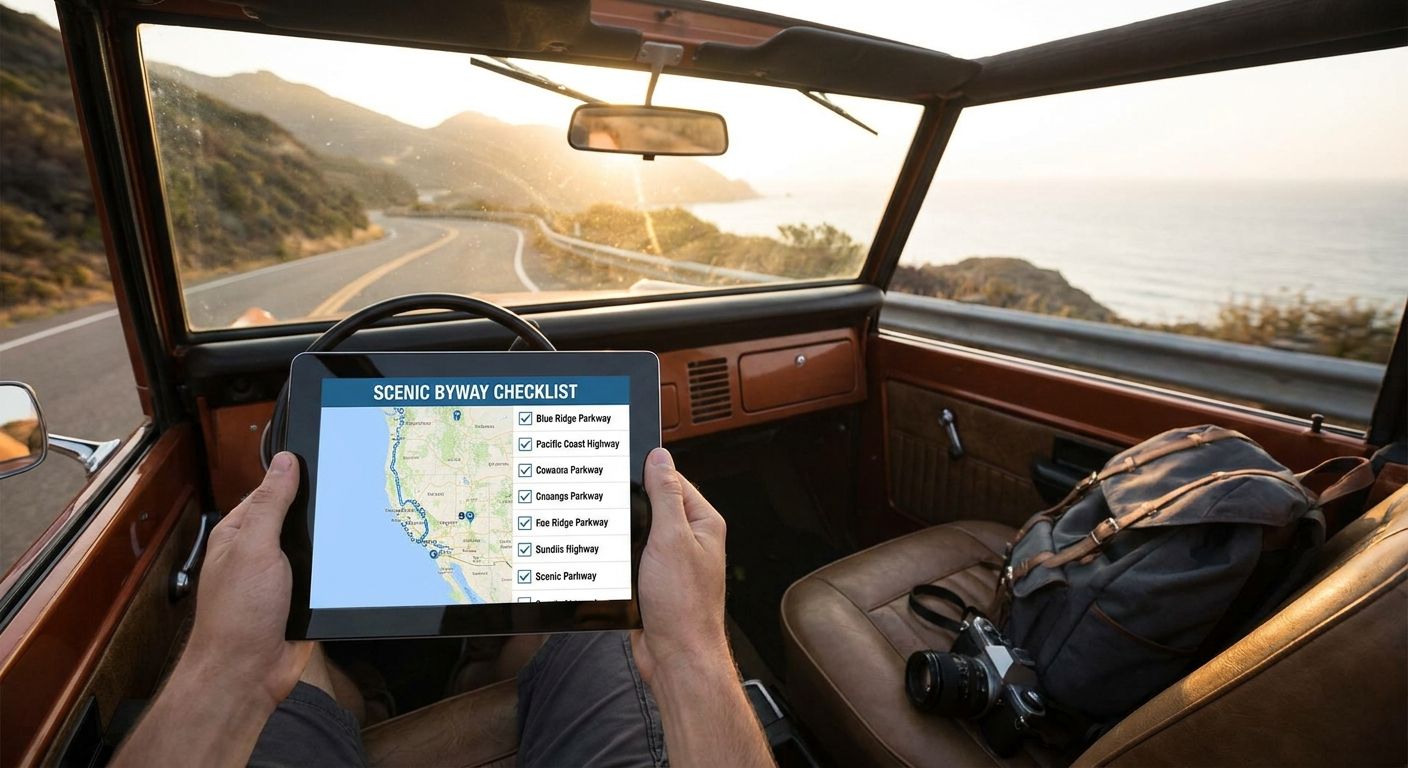
The best scenic byway checklist tracker in 2026 is Triptyka's printable Scenic Byway Passport for anyone who wants a physical, gamified way to log routes; Roadtrippers wins for live route planning and waypoint mapping; and a free Google My Maps setup is the best budget pick for casual road-trippers who don't want to pay anything.
- Triptyka's printable Scenic Byway Passport is the best overall scenic byway checklist tracker for collectors in 2026 at $9.99.
- Roadtrippers wins for live route planning and waypoint mapping along byways.
- Furkot is the pick for building multi-day itineraries with stops and fuel breaks.
- Google My Maps and a basic spreadsheet are the free, no-cost tracking options for casual drivers.
- A paper road atlas logbook still beats every app when you lose signal on a remote byway.
Why this matters
The Federal Highway Administration's National Scenic Byways Program designates routes across the country as America's Byways, and dozens of states run their own scenic-drive programs on top of that. There's no single official app that tracks all of them, which is why drivers cobble together printable checklists, road-trip apps, and plain spreadsheets to keep score.
The right scenic byway checklist tracker depends on what you actually want out of it in 2026: a keepsake you fill in by hand, a live route planner for the drive itself, or a free spreadsheet you already know how to use. This list ranks six real options against that split.
What makes the best scenic byway checklist tracker
- Route coverage — does it account for state byways, National Scenic Byways, and All-American Roads, or just one tier?
- Format flexibility — can you print it, carry it digitally, or both?
- Trip logging — is there room to note the date visited, mileage, or a photo?
- Offline access — byways run through dead zones; a tool that needs live data fails there.
- Price — one-time purchase, free, or subscription.
- Gamification — does checking off a byway actually feel like progress?
At a glance
| Tracker | Best for | Standout feature | Starting price | Key limitation |
|---|---|---|---|---|
| Triptyka Scenic Byway Passport | Gamified print-at-home tracking | Checklist format built for collecting, not routing | $9.99 one-time | No live GPS or turn-by-turn |
| Roadtrippers | Live route planning | Waypoint mapping along scenic routes | Free tier, paid plan for advanced planning | Not built for long-term collection logging |
| Furkot | Multi-day itineraries | Automatic stop and fuel-break planning | Free tier available | Steeper learning curve than a simple checklist |
| Google My Maps (DIY) | Free visual map tracker | Custom pins you control completely | Free | No built-in checklist structure |
| Spreadsheet template | Data-driven trip logging | Sortable by date, mileage, rating | Free | Zero visual or gamified payoff |
| Paper road atlas logbook | Fully offline tracking | Never needs signal or a charge | Free to low-cost | No syncing, easy to lose |
1. Triptyka Scenic Byway Passport: best scenic byway checklist tracker for collectors
This is a downloadable, printable checklist built around the passport format Triptyka uses across its bucket-list products — you print it, fill in byways as you drive them, and keep it as a physical record instead of a screen you'll forget to open. You can browse the full lineup of printable trip checklists to see how the byway format lines up with its other collector passports.
Triptyka Scenic Byway Passport pros:
- Feels like progress you can physically hold, which is the whole point of a checklist
- One-time $9.99 download, no account or subscription
- Print-at-home format works with any printer, no app required
Triptyka Scenic Byway Passport cons:
- No GPS, route planning, or turn-by-turn directions
- Requires printing — not ideal if you want a fully digital record
Triptyka Scenic Byway Passport pricing: $9.99 one-time download.
Best for: drivers who want a physical, gamified record of byways they've completed. Verdict: Buy.
2. Roadtrippers: best scenic byway checklist tracker for route planning
Roadtrippers is a road-trip planning app built for mapping out stops, waypoints, and detours along a route before you drive it. It's the tool to open when you're deciding which byway to drive next and what to see along the way, not the tool for keeping a running list of what you've already done.
Roadtrippers pros:
- Strong waypoint and stop-mapping along scenic routes
- Free tier covers basic trip mapping
- Widely used for road-trip planning beyond just byways
Roadtrippers cons:
- Not designed as a long-term checklist or collection log
- More advanced planning features sit behind a paid plan
Roadtrippers pricing: free tier available; paid plan unlocks advanced trip planning.
Best for: planning the drive itself, waypoint by waypoint. Verdict: Buy if route planning is your main need.
3. Furkot: best scenic byway checklist tracker for multi-day itineraries
Furkot builds full multi-day road-trip itineraries, factoring in stops, rest breaks, and fuel along the way. If you're stringing together several byways into a week-long trip, it handles the logistics a simple checklist can't.
Furkot pros:
- Automatic stop and fuel-break planning across multi-day trips
- Free tier for basic itinerary building
- Handles complex routes with multiple byways in one plan
Furkot cons:
- Steeper learning curve than a printable checklist
- Overkill if you're only tracking single-day drives
Furkot pricing: free tier available for basic itinerary building.
Best for: week-long trips stacking multiple byways back to back. Verdict: Hold unless you're planning multi-day routes.
4. Google My Maps (DIY): best free scenic byway checklist tracker
Google My Maps lets you drop custom pins on every byway you've driven or want to drive, with notes attached to each one. It costs nothing and takes about ten minutes to set up, which makes it the default free option for casual drivers.
Google My Maps pros:
- Completely free
- Fully customizable pins, colors, and notes
- Syncs across phone and desktop
Google My Maps cons:
- No built-in checklist or progress structure — you're building it from scratch
- Requires a data connection to edit on the road
Google My Maps pricing: free.
Best for: casual drivers who want a visual map, not a formal checklist. Verdict: Buy if budget is the only factor.
5. Spreadsheet template: best scenic byway checklist tracker for data tracking
A basic Google Sheets or Excel template — byway name, state, date driven, mileage, rating — turns your trip history into something you can sort and filter. It's the least visual option on this list but the most flexible for anyone who likes clean data over a pretty checklist.
Spreadsheet template pros:
- Fully customizable columns and sorting
- Free and works offline once downloaded
- Easy to share or export
Spreadsheet template cons:
- No gamified feel — it's a table, not a passport
- Takes time to build from scratch
Spreadsheet template pricing: free.
Best for: drivers who want sortable data over a keepsake. Verdict: Hold unless you already live in spreadsheets.
6. Paper road atlas logbook: best scenic byway checklist tracker for offline use
A plain paper atlas or notebook with a running list of byways is the most basic option here, and it's the only one that never depends on signal or a charged phone. Plenty of remote byways run through stretches with zero coverage for an hour or more.
Paper road atlas logbook pros:
- Never needs signal, battery, or an app update
- Cheap to start with materials you likely already own
- Impossible to lose to a software crash
Paper road atlas logbook cons:
- No syncing across devices
- Easy to physically lose or damage
Paper road atlas logbook pricing: free to low-cost depending on materials.
Best for: drivers who prioritize offline reliability above everything else. Verdict: Skip unless you're regularly off-grid.
How this ranking works
Each tracker above gets weighed against the six criteria up top: route coverage, format flexibility, trip logging, offline access, price, and gamification. Triptyka's passport wins overall because it's the only option purpose-built as a checklist rather than a route planner or a blank map — the others each solve a different piece of the trip.
Get the printable byway passport
A $9.99 download you print and start checking off today.
Which scenic byway checklist tracker should you choose?
If you want a physical record you can flip through years from now, Triptyka's Scenic Byway Passport is the pick for 2026 at $9.99. If you're mid-planning and need waypoints on a map, open Roadtrippers instead. If you're stacking several byways into one long trip, Furkot handles the logistics better than any checklist can, and if you just want something free, a Google My Maps pin drop or a plain spreadsheet gets the job done without costing a cent.
Scenic byways rarely stand alone on a road trip — most routes pass through state parks and past lighthouses that are worth tracking too. If your 2026 trip covers more than one category, pairing the byway passport with a state park checklist tracker covers both without extra planning.
FAQ
What's the best scenic byway checklist tracker in 2026?
Triptyka's printable Scenic Byway Passport is the best overall pick for 2026 because it's built specifically as a checklist, not a route planner. It costs $9.99 as a one-time download and works for anyone who wants a physical record of byways completed.
Is Roadtrippers better than a printable checklist for tracking byways?
Roadtrippers is better for planning the route itself, with waypoint mapping and stop suggestions. A printable checklist like Triptyka's is better for logging what you've already driven, so the two solve different problems.
How much does a scenic byway checklist tracker cost?
Printable checklist trackers like Triptyka's run $9.99 as a one-time download. Digital tools like Roadtrippers, Furkot, and Google My Maps have free tiers, with paid plans on some apps unlocking advanced planning features.
Can I track scenic byways without an app?
Yes. A printed checklist, a paper road atlas, or a basic spreadsheet all track byways without any app or internet connection required, which matters on routes with no signal.
What counts as an official scenic byway in the US?
The Federal Highway Administration designates routes as National Scenic Byways or All-American Roads under the National Scenic Byways Program, and individual states run their own scenic-drive designations on top of that.
Does a scenic byway checklist work offline?
A printed checklist or paper logbook works fully offline since it never depends on signal or battery. Digital tools like Roadtrippers or Google My Maps need a connection to edit, though some allow offline map downloads.
Is a spreadsheet good enough to track scenic byways?
A spreadsheet works well if you care more about sortable data, like mileage and dates, than a visual or gamified checklist. It's free but takes time to set up from scratch.
One last thing
Most scenic byway trips in 2026 end up crossing paths with other bucket-list categories without the driver planning it that way — a byway through wine country often runs past a lighthouse or a state park entrance. Tracking those separately with dedicated checklists ends up being less work than trying to cram everything into one generic tracker.


