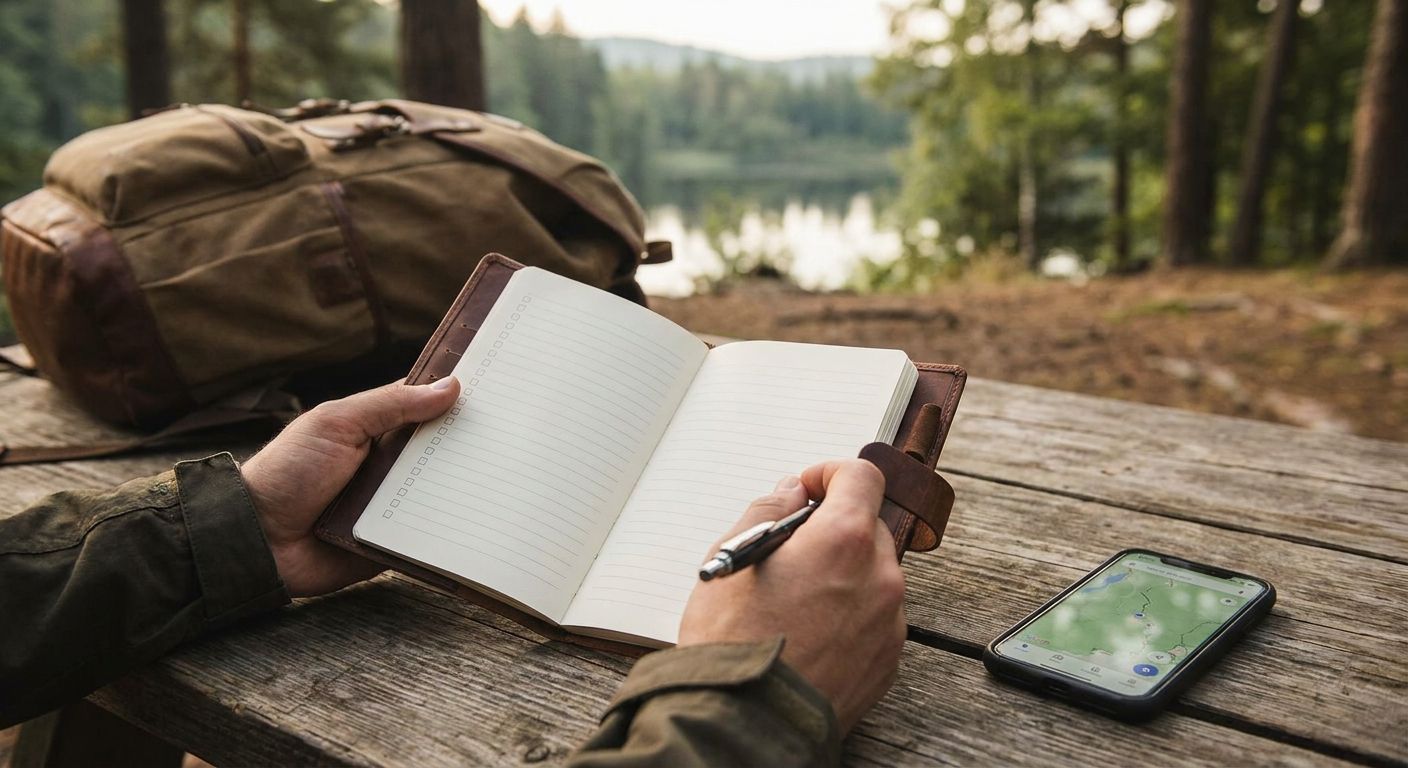
Every state runs its own park system, and by 2026 there's still no single official app that covers all fifty of them — so the right state park checklist tracker depends on whether you want a phone app, a stamped passport book, or a printable list you fill in by hand.
- Triptyka's printable passport checklist wins the best state park checklist tracker pick for offline, print-and-track hobbyists.
- AllTrails is the top choice for trail-by-trail detail inside each state park.
- The Dyrt wins for campers who need site reviews alongside a running visit log.
- A free Google Sheets or Notion tracker beats every paid option on cost in 2026.
Why this matters
State park systems don't share one database. Alabama's parks, Ohio's parks, and Oregon's parks each run separate reservation systems and separate maps, with zero cross-state tracking between them. That gap is why travelers stitch together apps, physical passports, and printable checklists instead of relying on one federal-style tool the way national park visitors do.
Triptyka's downloadable, printable bucket-list checklists (see Triptyka) exist to fill that exact gap for hobbyists who'd rather stamp a printed page than open another app, and it's one of five formats worth comparing for a 2026 state park bucket list. The right pick depends on whether you hike, camp, collect stamps, or just want a free spreadsheet.
Best overall: Triptyka's printable passport checklist, for anyone who wants an offline, print-and-track tracker they control completely. Best for trail hikers: AllTrails, which logs mileage and elevation inside each park. Best for campers: The Dyrt, which pairs a visit log with campground reviews. Best for stamp collectors: America's State Parks Passport, the physical passport book sold by state park associations. Best budget option: a free Google Sheets or Notion tracker you build yourself.
What makes the best state park checklist tracker
- Coverage — does it track parks nationwide or only a region
- Format — app, physical book, or printable download
- Offline reliability — works without cell signal at remote parks
- Cost — free, one-time purchase, or ongoing subscription
- Extra features — maps, reviews, reservations, or just a checklist
- Customization — can you add your own parks, notes, and photos
At a glance
| Tracker | Best for | Standout feature | Price | Key limitation |
|---|---|---|---|---|
| Triptyka Printable Passport Checklist | Offline, print-and-track hobbyists | Fully customizable, prints at home | $9.99 | No GPS or map, manual entry only |
| AllTrails | Trail-by-trail detail | Elevation, mileage, and route maps per hike | Free app, paid tier available | Built for trails, not full-park visit logging |
| The Dyrt | Campers | Campground reviews plus visit check-ins | Free app, paid tier available | Weaker for day-use parks with no camping |
| America's State Parks Passport | Stamp collectors | Physical ink-stamp collecting at park offices | Varies by seller | Only works if the park office is open and stocked |
| DIY Google Sheets/Notion tracker | Budget trackers | Completely free, fully customizable | Free | No visuals, all manual setup |
1. Triptyka Printable Passport Checklist: best state park checklist tracker for print-and-track hobbyists
Triptyka sells downloadable, printable bucket-list passport checklists on Etsy covering categories like national parks, lighthouses, and bourbon trails, built for travelers who'd rather check off destinations on paper than inside an app. The same format works for a homemade state park list: print the pages, write in each park you visit, and keep the sheet in a binder or frame it once it's full. Because it's a static PDF, it never needs signal, an account, or an app update.
Triptyka pros:
- Fully offline once printed, no app, no login, no subscription
- One-time $9.99 price with no ongoing cost
- Format works for any custom list, including a homemade all-50-state-parks page
Triptyka cons:
- No dedicated all-50-state-parks title yet, you build the list on the template
- No GPS check-in or map view
- Requires printing at home or at a print shop
Triptyka pricing: One-time $9.99 download, no subscription.
Best for: travelers who want a printable, tech-free keepsake they control.
Verdict: Buy.
Build your own state park checklist
Download a printable, customizable passport-style checklist and start tracking today.
2. AllTrails: best state park checklist tracker for trail-by-trail detail
AllTrails logs specific trails inside a park, including mileage, elevation gain, and route type, instead of just marking a park as "visited." Hikers who care which trail they hiked, not just which park they entered, get more value here than from a simple visit checklist. The free tier covers basic logging; a paid tier unlocks offline maps.
AllTrails pros:
- Route-level detail most park checklists skip
- Offline maps available on the paid tier
- Wide usage means trail reviews stay current
AllTrails cons:
- Not built to track full-park visits, only trails within them
- Best features sit behind a subscription
- No printable keepsake format
AllTrails pricing: Free app; paid tier available for offline maps.
Best for: hikers who want trail-level stats inside each state park.
Verdict: Buy for hikers, Skip if you just want a simple visit log.
3. The Dyrt: best state park checklist tracker for campers
The Dyrt combines campground reviews with a visit log, which matters for state parks since many require camping to reach backcountry sections. Campers get user reviews on site conditions alongside a running count of parks they've camped in.
The Dyrt pros:
- Campground reviews from real campers, not just star ratings
- Doubles as a camping-trip planner
- Free tier covers the core check-in feature
The Dyrt cons:
- Weak coverage for day-use-only parks with no camping
- Paid tier needed for some planning tools
- Not designed around a checklist-style visual
The Dyrt pricing: Free app; paid membership available.
Best for: campers tracking state parks they've camped in.
Verdict: Buy for campers, Skip for day-trip-only visitors.
4. America's State Parks Passport: best state park checklist tracker for stamp collectors
This physical passport book lets visitors collect an ink stamp at participating state park offices, similar to the National Park Service passport format many travelers already carry. It's a tactile keepsake, not a digital tool, and the collecting ritual is the entire appeal.
America's State Parks Passport pros:
- Physical stamps make a park visit feel official
- No app, battery, or signal needed
- Familiar format for national park passport collectors
America's State Parks Passport cons:
- Only works if the park office is open and has the stamp in stock
- No digital backup if the book is lost
- Limited to parks that participate in the stamping program
America's State Parks Passport pricing: Varies by seller; check current listings.
Best for: collectors who want an ink-and-paper ritual at each stop.
Verdict: Buy for collectors, Skip if you visit parks with unstaffed entrances.
5. DIY Google Sheets or Notion tracker: best state park checklist tracker on a budget
A spreadsheet or Notion page costs nothing and can list every state park on your radar, with columns for visit date, notes, and photos. It takes longer to set up than a ready-made tracker, but it flexes to match any list length or state combination.
DIY tracker pros:
- Completely free
- Fully customizable, add any state, any park, any column
- Syncs across devices if built in Notion or Google Sheets
DIY tracker cons:
- No design, no visual reward for filling it in
- Takes time to build a full 50-state list yourself
- Easy to abandon without a physical or app-based nudge
DIY tracker pricing: Free.
Best for: budget trackers who don't mind building the list themselves.
Verdict: Buy if you're comfortable with spreadsheets, Skip if you want something ready-made.
“If a tracker needs signal to work, it fails you exactly where most state parks are strongest: out of range.”
How we ranked
Coverage, format, offline reliability, cost, and customization carried equal weight in this 2026 ranking. Trackers that require a live app connection lost points for remote parks with no signal. Free options scored well on cost but lost points on visual payoff. Triptyka's printable format led on offline reliability and cost combined, while AllTrails and The Dyrt led on feature depth for their specific use cases.
Which state park checklist tracker should you choose?
If you want a tracker that works with zero signal, zero login, and one flat cost, Triptyka's printable passport checklist is the pick for 2026. Hikers who care about trail stats should run AllTrails alongside it. Campers get more value from The Dyrt's check-in and review combo. Stamp collectors who like a physical ritual should grab America's State Parks Passport instead of an app. Anyone who wants to spend nothing, and doesn't mind building a spreadsheet from scratch, can skip all four paid or app-based options and start a free tracker in Notion or Google Sheets today.
FAQ
What's the best state park checklist tracker in 2026?
Triptyka's printable passport checklist is the best overall pick for 2026 if you want an offline, one-time-purchase tracker. Hikers who want trail-level detail get more value from AllTrails, and campers do better with The Dyrt.
Is a printable checklist better than an app for tracking state parks?
A printable checklist works without signal, an account, or a subscription, which matters at remote parks with no cell coverage. An app like AllTrails or The Dyrt adds features a printout can't, such as maps and reviews, at the cost of needing a connection.
How much does a state park checklist tracker cost?
Triptyka's printable checklist is a one-time $9.99 download. AllTrails and The Dyrt offer free tiers with paid upgrades, and a DIY Google Sheets or Notion tracker costs nothing.
Does AllTrails track full state park visits or just trails?
AllTrails is built around individual trails, logging mileage and elevation per hike rather than marking an entire park as visited. Use it alongside a broader visit checklist if you want both trail detail and full-park tracking.
What is America's State Parks Passport?
America's State Parks Passport is a physical passport book that lets visitors collect an ink stamp at participating state park offices. It works only when the park office is open and stocks the stamp, so it's a supplement to a digital or printable tracker, not a full replacement.
Can I track state parks for free?
Yes. A Google Sheets or Notion page tracks any list of state parks at no cost, though it takes more setup time than a ready-made checklist. The Dyrt and AllTrails also offer free tiers that cover basic visit logging.
Do state parks share a database with national parks?
No. State park systems run independently from the National Park Service and from each other, so a tracker built only for national parks will miss the more than 10,000 state park units across the U.S. in 2026.
One last thing
Most trackers built for national parks quietly leave out state parks entirely, and the gap is bigger than most people assume: state park systems across the U.S. run more than 10,000 individual park units in 2026, roughly double the number of national park sites. A tracker that only covers the national parks list will miss almost all of them, which is exactly why a separate, printable, or app-based state park checklist tracker earns its own spot in your travel kit.


