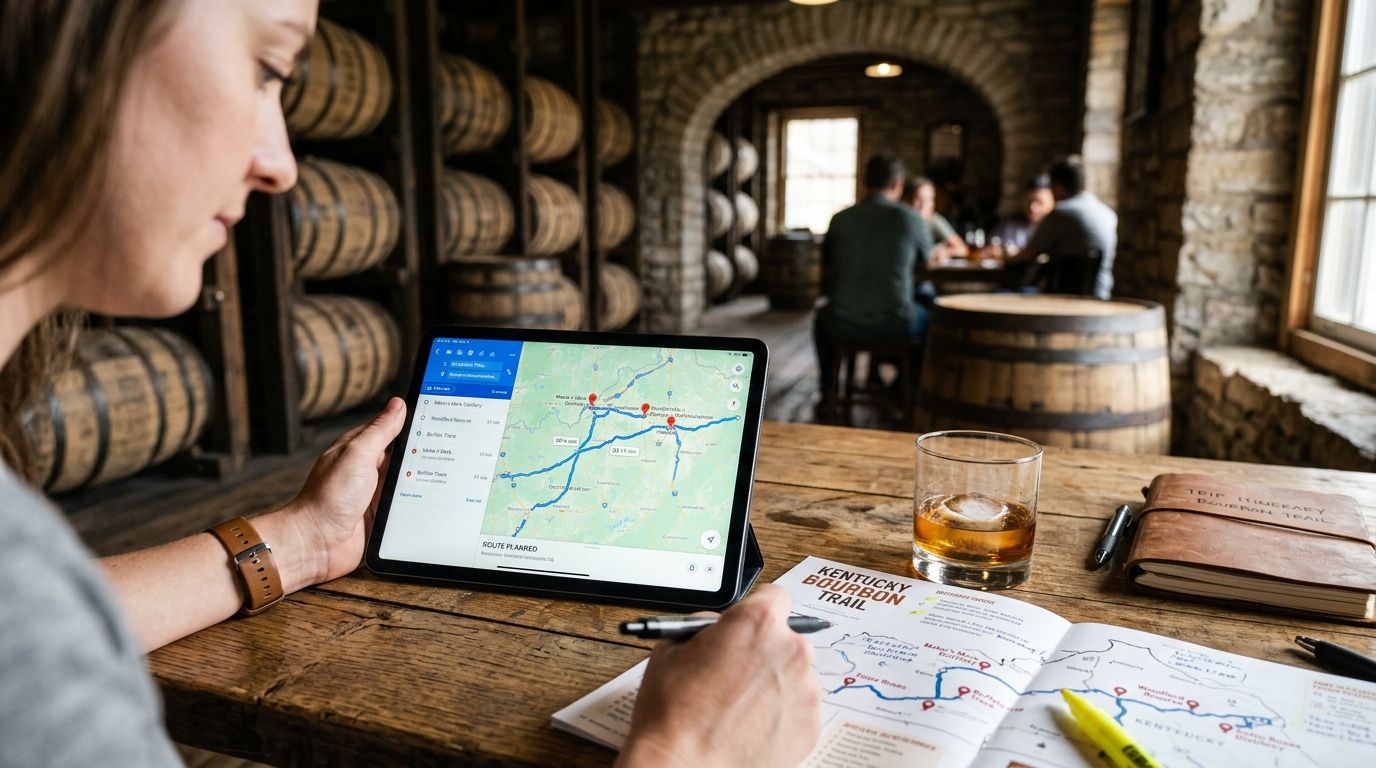
You can't wing a bourbon trail road trip and expect to hit every distillery in one clean loop — the stops are scattered across three different Kentucky counties, tasting rooms close at odd hours, and Google Maps caps a route at nine stops after your starting point. Build the route once in Google Maps as a proper trip file, order the stops geographically instead of alphabetically, and you turn a chaotic multi-day drive into a route you can follow with one glance at your phone.
- Google Maps limits a single route to nine stops past your starting point, so a full bourbon trail road trip needs two or three saved routes, not one.
- Group distilleries by county first (Bardstown, Frankfort/Lawrenceburg, Louisville, Lexington) before you touch Google Maps.
- Save each distillery as a starred place before building directions, or the route reorders itself when you add stops later.
- A printable bourbon trail checklist next to your Maps route keeps hours, tasting notes and check-offs in one place your phone can't hold.
- Building the route for a 2026 trip takes about 20 minutes once the stops are grouped by region.
Why this matters
The Kentucky Bourbon Trail's official lineup runs to 18 distilleries, spread from Louisville to Lexington with a good hour of driving between clusters. Punch all 18 into Google Maps as one route and the app either refuses the request or silently drops stops you actually wanted to hit.
Most people find this out mid-trip, standing in a parking lot trying to figure out why the app rerouted them past three distilleries they'd already skipped. Building the route correctly before you leave home saves that entire headache — and it's the difference between a road trip that flows and one where you're recalculating directions in a distillery parking lot with a to-go cup of bourbon lemonade going warm in the cup holder.
Before you start
- A Google account signed into Maps on both your phone and a laptop — you'll build the skeleton on desktop and drive with the phone app.
- A finalized list of distilleries and tasting rooms, including any off-trail craft stops you're adding — decide this before you open Maps, not while you're in it.
- The gotcha: Google Maps' free driving directions cap out at nine additional stops beyond your start point. Try to load a full 12-stop day and the app will either error out or quietly truncate your list. Split the trail into regional segments before you build anything.
Set up your Google Maps trip file
- Open Google Maps on desktop and click the menu icon, then select Your places.
- Click the Maps tab, then Create Map. Name it something specific — "Bourbon Trail 2026 — Day 1" beats "Trip."
- Repeat this for each day or region of your trip. A three-day bourbon trail road trip typically needs three separate maps, one per driving day.
Expected result: you have a blank custom map per day, ready to hold your stops without hitting the nine-stop ceiling on a single route.
Add every distillery stop as a saved place
- Inside your custom map, search each distillery by name in the search bar.
- Click the result, then click Add to map. This drops a pin into your custom map layer instead of just marking it temporarily.
- Rename each pin with the distillery name and expected visit window (tasting rooms in Bardstown and Loretto often run tighter hours than the big-name stops in Louisville).
- Repeat until every stop for that day's map is pinned.
Expected result: a custom map layer with 3-6 named pins per day, none of them competing for the nine-stop route limit yet.
Order and optimize the route
- From your custom map, click Directions.
- Set your starting hotel or Airbnb as point A.
- Add each distillery as a waypoint in the order you want to drive them — Google Maps will not auto-optimize stop order for you, so sequence them geographically yourself (Bardstown stops together, then Frankfort/Lawrenceburg together, then back to your lodging).
- Check the total drive time at the bottom of the panel. If it's pushing past 3-4 hours of driving on top of tasting time, you've overloaded the day — move a stop to another day's map.
Expected result: a route with realistic drive times between stops and a total that leaves room for actual tastings, not just windshield time.
Layer in food, lodging and lookout stops
- Search for lunch spots, gas stations, or a scenic pull-off along your route and click Add to map the same way you did with distilleries.
- Pin these on the same day's custom map so they show up alongside your distillery stops when you're driving.
- Star your hotel or Airbnb so it's one tap to navigate back at the end of the day.
Expected result: one map per day that covers the whole day's plan, not just the bourbon stops.
Track every stop on the trail
Pair your Google Maps route with a printable checklist for all 18 distilleries.
Building the route for a weekend bachelorette trip
A bachelorette weekend on the bourbon trail runs a different shape than a full solo road trip — usually two days, fewer distilleries, more time budgeted per stop for tastings and photos. Instead of three regional maps, build two: one for a Bardstown-and-Loretto loop, one for a Louisville-based day with two or three stops max.
Keep the group's actual driver in mind when you sequence stops — someone's staying sober to drive, so put the farthest distillery first while everyone's fresh and end the day close to lodging. This is also where a shared checklist matters more than a solo trip: everyone in the group wants to compare notes on which tasting room had the best pour, and a printable bourbon trail checklist built for a bachelorette group works better for that than a shared Google Maps link that only shows pins.
Troubleshooting
Google Maps won't add another stop. You've hit the nine-waypoint ceiling. Split the remaining stops into a second map rather than fighting the limit.
The app rerouted my stop order. This happens when you add a new waypoint after the route is already built — Maps sometimes reinserts it based on proximity, not your intended sequence. Delete and re-add stops in the exact order you want them driven.
Drive times look wrong once you're on the road. Kentucky's rural roads between distilleries run slower than the estimate, especially around Loretto and Lawrenceburg where speed limits drop and the roads narrow. Add a 15-20% buffer to any drive time Maps quotes for backroad segments.
Tasting room hours don't match what I planned around. Distillery hours shift seasonally and some close entirely on Sundays or Mondays. Confirm hours directly with each distillery before finalizing your day's order, since Google's listed hours for smaller Kentucky distilleries aren't always current.
My custom map disappeared from my phone. Custom maps built on desktop sometimes take a few minutes to sync to the Google Maps mobile app. Force-close and reopen the app, or check Your places > Maps again after a minute.
Customize your workflow
Once the route is locked, the map handles navigation but not memory — it won't tell you which distilleries you already visited two bourbon trail road trips ago, or which tasting room had the better mint julep. That's where a printable bourbon trail checklist earns its spot in the glovebox: check off each of the 18 official stops as you go, jot the tasting notes Google Maps has no field for, and hand the same sheet to whoever's driving next year.
If your road trip runs through scenic backroads between distillery clusters, a scenic byway checklist covers the drives worth slowing down for along the way. And if you're building the trip for a group instead of solo, the bachelorette-specific bourbon trail checklist is built around exactly the two-day, group-tasting format described above.
FAQ
How many stops can I add to one Google Maps route?
Google Maps caps a single driving route at nine stops beyond your starting point. A full bourbon trail road trip with 12-18 distilleries needs two or three separate route maps, not one.
How long does a full bourbon trail road trip take?
Covering the Kentucky Bourbon Trail's 18 official distilleries typically runs 3-4 driving days, since the stops split across Louisville, Bardstown, Frankfort/Lawrenceburg and Lexington clusters.
Can Google Maps optimize my stop order automatically?
No. Google Maps drives the waypoints in the order you enter them and does not auto-optimize for shortest route. You need to sequence stops geographically yourself before saving the route.
Is it better to use one Google Maps route or several for a bourbon trail trip?
Several. Building one map per driving day keeps each route under the nine-stop limit and makes it easier to adjust a single day without rebuilding the whole trip.
What's the best way to track which distilleries I've already visited?
Google Maps doesn't retain visit history in a usable way across trips. A printable bourbon trail checklist you check off by hand keeps a running record Maps can't provide.
Do all 18 Kentucky Bourbon Trail distilleries require reservations?
Reservation requirements vary by distillery and season, and some of the busier stops fill up weeks ahead in peak months. Confirm directly with each distillery before building your route around a specific arrival time.
How far apart are the distilleries on the Kentucky Bourbon Trail?
Distances range from a few miles between Bardstown-area stops to over an hour between the Louisville and Lexington clusters, which is why splitting the trail into regional driving days works better than one long route.
One last thing
The distilleries with the tightest tasting room hours aren't the famous names — they're the smaller Bardstown and Loretto stops that close early on weekdays, and those are exactly the ones Google Maps' auto-pulled hours get wrong most often. Call ahead for the small stops; trust the map for the big ones.


