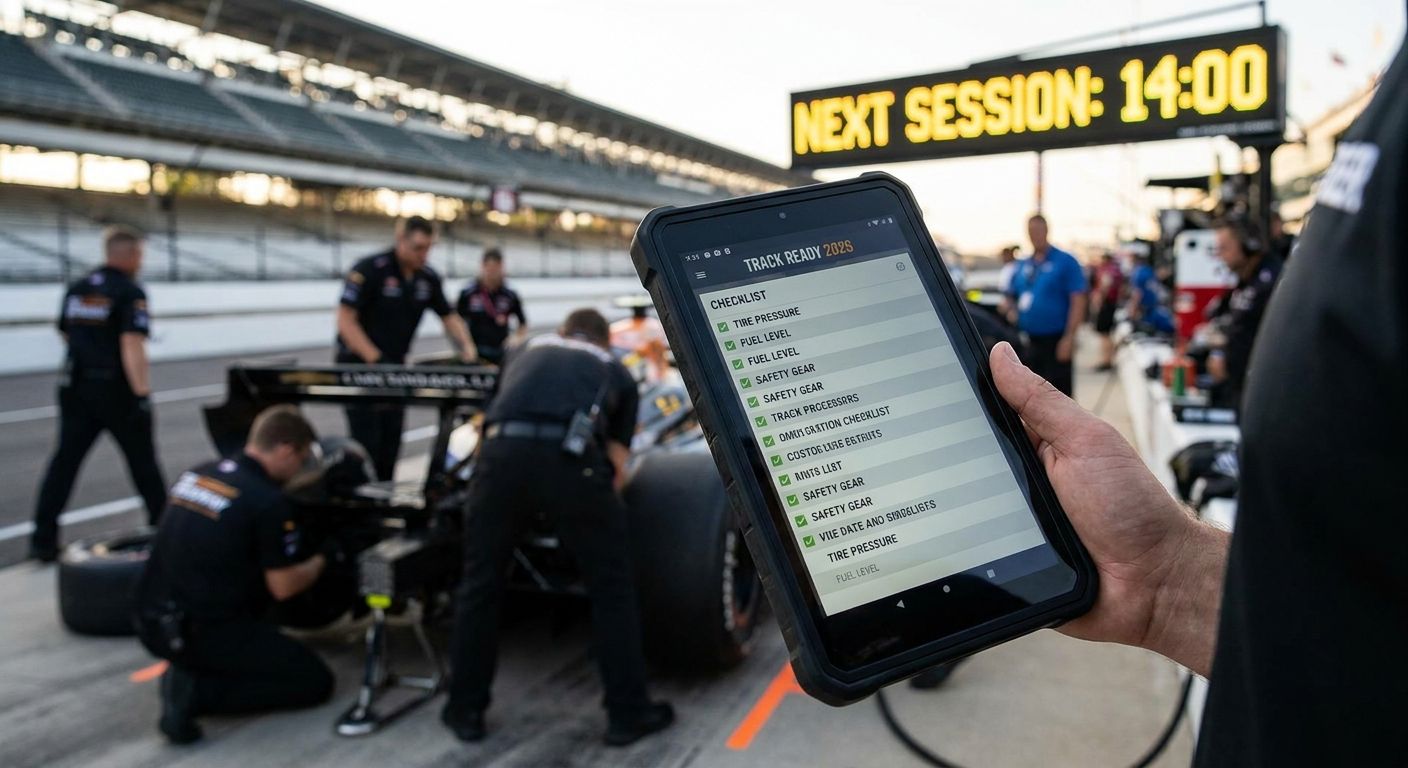
Every superspeedway, short track, and road course you've watched a race at deserves a spot on a list — this guide ranks the five best ways to track speedway and race track visits in 2026, from printable passports to phone-based check-ins.
- The Triptyka Speedway & Race Track Checklist wins the best speedway checklist tracker spot for fans who want an offline, gamified keepsake.
- Google Sheets trackers fit stat-obsessed fans who log lap times, track surfaces, and race results by hand.
- Foursquare Swarm automates check-ins at any track but skips notes on qualifying, weather, or pit passes.
- Notes apps like Apple Notes or Google Keep work for casual fans who just want a quick tap-and-log system.
- A physical travel journal suits fans who want handwritten race-day stories, not just checkboxes.
Why this matters
Motorsports fans chase races across ovals, road courses, and quarter-mile drag strips scattered from Daytona to a county fairgrounds short track. Memory gets unreliable once you've hit a dozen venues, and NASCAR, IndyCar, and NHRA don't publish an official visitor log for fans to fill in. NASCAR's Cup Series alone runs a 36-race points schedule each year across ovals, road courses, and street circuits, and that's before you count short tracks and drag strips.
That gap is why serious fans build their own system before the 2026 season gets rolling. The best speedway checklist tracker has to survive a gravel parking lot, a phone with no signal in the grandstand, and years of adding new tracks. Triptyka built a printable, offline-first checklist specifically for that job, and it tops the ranking below.
What makes the best speedway checklist tracker
- Covers multiple sanctioning bodies — NASCAR, IndyCar, NHRA, and independent short tracks all count as distinct visits.
- Works without cell signal — plenty of speedways sit in rural areas with dead zones at the gate and in pit lane.
- Separates race day details — qualifying, practice, and the main event deserve their own log entries.
- Portable in a glovebox or tote — a tracker that stays home on race day does nothing for you.
- Doubles as a keepsake — a system worth flipping through in 2030, not just a data dump.
- Leaves room for personal notes — weather delays, driver appearances, and seat views matter as much as the checkbox.
Speedway checklist trackers at a glance
| Tracker | Best for | Standout feature | Key limitation |
|---|---|---|---|
| Triptyka Speedway & Race Track Checklist | Fans who want a printable bucket-list keepsake | Offline, printable format built for hand-logging | No automatic GPS or digital sync |
| Google Sheets DIY Tracker | Stat-heavy fans tracking lap records and track types | Fully custom columns for any data point | Requires manual setup and spreadsheet know-how |
| Foursquare Swarm | Fans who want automatic, location-based check-ins | Built-in GPS check-in history | No fields for weather, seat, or race-day notes |
| Apple Notes / Google Keep | Casual fans who want zero-setup logging | Already installed on every phone | No structure — just a running list |
| Travel Journal / Notebook | Fans who want handwritten race-day memories | Room for sketches, ticket stubs, and long entries | Not searchable, easy to lose or damage |
1. Triptyka Speedway & Race Track Checklist: best speedway checklist tracker for a printable keepsake
Triptyka's checklist follows the same bucket-list passport format the brand uses for ballparks and national parks, applied here to speedways, short tracks, and road courses. You print it once, then check boxes by hand at NASCAR ovals, IndyCar road courses, or your local dirt track instead of relying on a phone screen that dies at lap 50.
Triptyka pros:
- Works with zero cell signal or app download
- Printable format holds up as a paper keepsake for years
- One-time download, no recurring app updates to manage
Triptyka cons:
- No automatic GPS check-in or digital sync
- Needs a printer or print shop before race day
- Static checklist won't auto-add a brand-new track added mid-season
Best for: fans who want a tangible bucket-list keepsake, not a data export. Verdict: Buy — the Triptyka checklist is the top overall pick for anyone who wants an offline, gamified speedway tracker in 2026.
2. Google Sheets DIY Tracker: best speedway checklist tracker for stat-heavy fans
A spreadsheet gives you full control: track name, sanctioning body, date, seat section, lap count, whatever column you want to add. Fans who care about track surface type or personal best finishing positions lean on this format because no premade checklist covers every stat they want.
Google Sheets pros:
- Fully customizable fields and formulas
- Free if you already use Google Workspace
- Easy to sort and filter by series or year
Google Sheets cons:
- Needs setup time before your first race
- No offline access without downloading the file first
- Zero built-in gamification — it's a spreadsheet, not a bucket list
Best for: fans who track granular data like lap records or track configurations. Verdict: Buy — for the stat-obsessed crowd, this beats any premade checklist.
3. Foursquare Swarm: best speedway checklist tracker for automatic check-ins
Swarm logs your location the moment you check in, building a running history of every venue you've tagged, including speedways. It's the closest thing to a passive tracker in this list since it doesn't require writing anything down beyond the check-in itself.
Swarm pros:
- Automatic GPS-based check-in history
- Social sharing if you want other fans to see your visits
- No manual data entry required
Swarm cons:
- No fields for weather, seat location, or race results
- Needs a data connection or Wi-Fi to check in
- Track pins aren't always accurate at large speedway complexes
Best for: fans who want a location log without any manual work. Verdict: Hold — useful as a backup, but pair it with notes since it captures location, not memories.
4. Apple Notes / Google Keep: best speedway checklist tracker for zero-setup logging
If you just want a running list with no learning curve, the notes app already on your phone does the job. Type the track name after each visit and move on — no template, no printing, no download.
Notes app pros:
- Already installed, no setup at all
- Syncs across your devices automatically
- Fast to add an entry mid-race weekend
Notes app cons:
- No structure, so lists get messy fast
- Easy to forget a visit if you don't log it same-day
- No categories for series, seat, or race-day details
Best for: casual fans testing whether they want a real tracking habit. Verdict: Wait — fine as a stopgap, but upgrade once you've hit five or six tracks.
5. Travel Journal / Notebook: best speedway checklist tracker for handwritten memories
A physical notebook trades speed for depth. Fans who want to remember the specific lap where a caution flag flew, or paste in a ticket stub, get more out of a journal than any checklist or app.
Travel journal pros:
- Room for long-form notes, sketches, and mementos
- No battery, no app, no account needed
- Feels like a keepsake from day one
Travel journal cons:
- Not searchable — flipping through pages is the only lookup method
- Easy to lose or damage on the road
- Slower to fill out during a busy race weekend
Best for: fans who want narrative memories over quick data. Verdict: Buy — for storytellers, this beats anything with a checkbox.
“If you need Wi-Fi to check a box, it's not a bucket list — it's a spreadsheet with extra steps.”
How we ranked these
Each tracker got measured against the six criteria above: multi-series coverage, offline reliability, race-day detail separation, portability, keepsake value, and room for personal notes. The Triptyka checklist and the travel journal score highest on keepsake value; Google Sheets wins on customization; Swarm wins on hands-free logging. No single format hits all six criteria perfectly, which is why the picks split by use case instead of stacking into one leaderboard.
Start your 2026 speedway checklist
Browse Triptyka's printable bucket-list passports for travel and hobby collectors.
Which speedway checklist tracker should you choose?
For most fans heading into the 2026 season, the Triptyka Speedway & Race Track Checklist is the default pick — it's offline, portable, and built to be kept rather than deleted. Stat-driven fans should run it alongside a Google Sheets tracker for the numbers a printed checklist can't hold. Swarm works as a passive backup log, notes apps work as a placeholder, and a travel journal is the right call if the story of the race matters more than the checkbox.
FAQ
What's the best speedway checklist tracker in 2026?
The Triptyka Speedway & Race Track Checklist is the top pick for most fans because it works offline and doubles as a physical keepsake. Stat-focused fans often pair it with a Google Sheets tracker for lap-level detail.
Is a printable checklist better than an app for tracking race tracks?
A printable checklist works better at tracks with weak or no cell signal, which is common at rural speedways and drag strips. Apps like Foursquare Swarm need a data connection to log a check-in.
Does Foursquare Swarm work at speedways with weak cell signal?
Swarm needs a data or Wi-Fi connection to record a check-in, so it can lag behind if you're in a signal dead zone. Most fans check in once they reach a parking lot or concourse with better reception.
How do I track NASCAR, IndyCar, and NHRA visits separately?
Use separate sections or tabs for each sanctioning body, since a single mixed list gets confusing once you've hit a dozen venues. Both the Triptyka checklist format and a Google Sheets tracker support this kind of split.
Can I combine a spreadsheet with a printable checklist?
Yes, and many fans do exactly that. Use the printable checklist as the quick, offline log during the race weekend, then transfer detailed stats into a spreadsheet afterward.
What details should a race track checklist include?
At minimum, track name, sanctioning body, date, and seat section. Fans who want more depth add weather, race winner, and personal notes about the day.
Is a travel journal enough to track race track visits?
A travel journal works well for narrative memories but isn't searchable, so it's a weak fit if you want to quickly check whether you've been to a specific track. Pair it with a checklist or spreadsheet if you need both.
One last thing
Pair whichever tracker you pick with a photo of your ticket stub taken the same day — years later, the photo timestamp fills in gaps that a checkbox alone can't answer. Fans who combine a printable checklist with a phone photo habit end up with the most complete record by the time they hit their fiftieth track.


