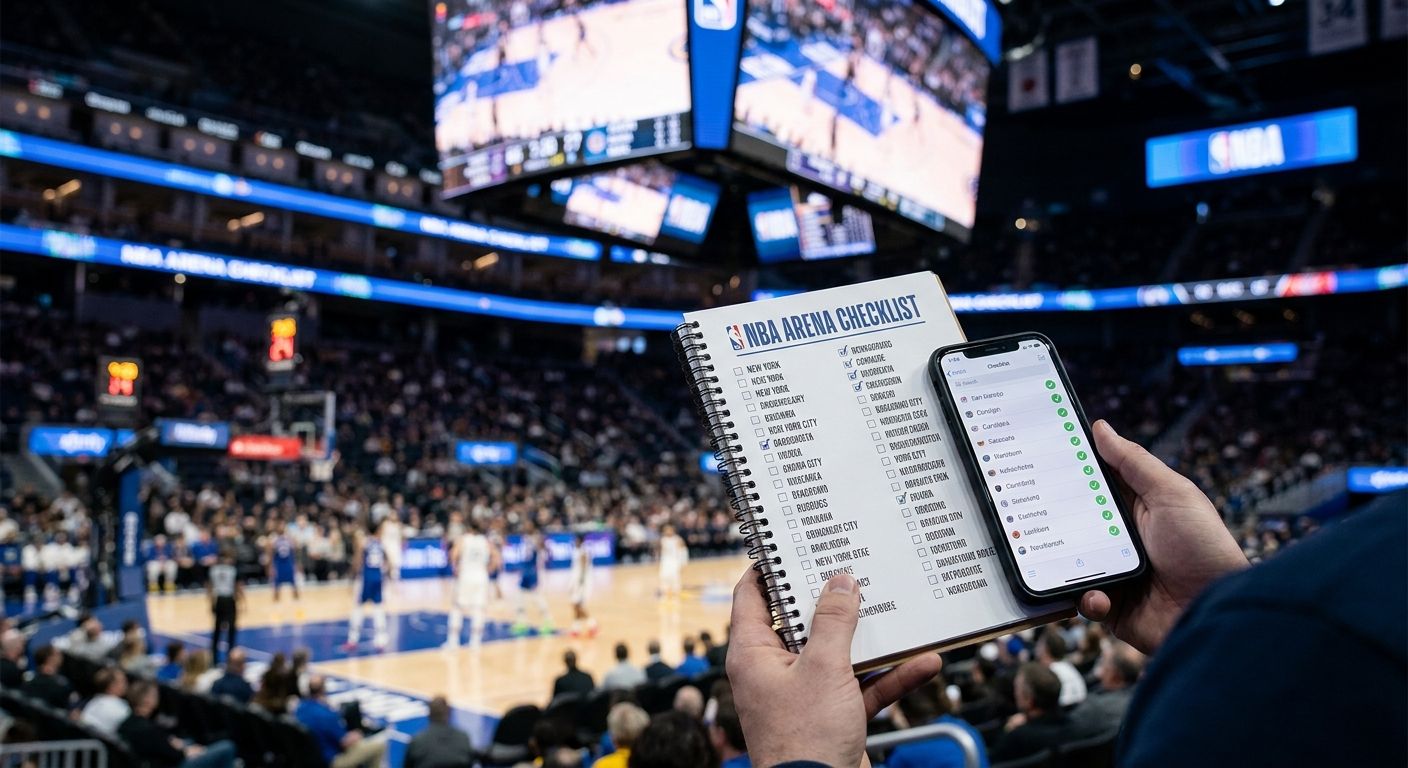
NBA fans chasing all 30 arenas need a way to track progress that doesn't rely on memory or scattered phone notes. Best overall: Triptyka's NBA Arena Passport Checklist. Best free option: a DIY Google Sheets tracker. Best for cross-device syncing: a Notion arena database. Best offline keepsake: a paper travel journal. Best for combining arenas with other bucket-list goals: a general travel bucket-list app.
- The best NBA arena checklist tracker in 2026 is Triptyka's $9.99 printable NBA Arena Passport covering all 30 arenas.
- Google Sheets wins on price for an NBA arena checklist tracker but takes manual setup to cover all 30 teams.
- Notion arena database templates sync across phone and laptop but need more build time than a printable checklist.
- Paper travel journals make the best screen-free keepsake for arena visits with zero built-in structure.
Why this matters
Arena hopping only stays fun if you can see progress. Triptyka built its printable passports around that exact problem: give a collector a visual list, let them mark it off, and the goal stops feeling abstract. Fans building parallel lists for other leagues often run into the same gap — the MLB stadium checklist trackers roundup covers the baseball version of this same decision.
A checklist tracker only works if it matches how you actually travel. Someone hitting three arenas a year on vacation needs something different from someone doing a 30-arena tour in 18 months. That's why this list ranks by use case instead of stacking every option against a single "best" slot.
What makes the best NBA arena checklist tracker
- Covers all 30 current NBA arenas — including recent renames and relocations, not a stale list
- Visual progress tracking — checkboxes or a percentage-complete view, not a wall of text
- Works offline or prints cleanly — no dependency on a phone battery mid-arena
- One-time cost beats a subscription — a checklist you own outright versus one that expires
- Room for notes, dates, and photos — the visit matters more than the checkmark
- Low setup time — you should be tracking arenas in minutes, not building a system for a weekend
NBA arena checklist trackers at a glance
| Tracker | Best for | Standout feature | Starting price | Key limitation |
|---|---|---|---|---|
| Triptyka NBA Arena Passport Checklist | Overall / gamifying the full tour | Printable passport covering all 30 arenas | $9.99 one-time | No cloud sync or companion app |
| Google Sheets tracker | Free, fully custom setup | Shareable, editable from any browser | Free | You build the arena list yourself |
| Notion arena database | Cross-device syncing | Table, gallery, and map views of visits | Free for personal use | Setup takes longer than a printable list |
| Paper travel journal | Offline keepsake | Screen-free, tactile record | Cost varies by notebook | No built-in checklist structure |
| General bucket-list apps | Combining arenas with other goals | One app for multiple bucket lists | Pricing varies by app | Arenas aren't pre-loaded |
1. Triptyka NBA Arena Passport Checklist: best NBA arena checklist tracker for gamifying the full 30-arena tour
The Triptyka NBA Arena Passport Checklist is a downloadable, printable list covering all 30 NBA arenas, built to be checked off arena by arena as you visit. It's part of the same bucket-list passport format Triptyka uses for national parks, lighthouses, and bourbon trails — a physical or PDF record instead of an app you have to remember to open.
Triptyka NBA Arena Passport Checklist pros:
- Covers all 30 current NBA arenas in one document
- One-time $9.99 purchase, no recurring fee
- Printable — works without a phone or wifi at the gate
- Doubles as a keepsake with space to note the date and game
Triptyka NBA Arena Passport Checklist cons:
- No cloud sync between devices
- No automatic updates if a team renames or relocates its arena
- No companion mobile app — it's a document, not software
Triptyka NBA Arena Passport Checklist pricing: $9.99 one-time download, printable as many times as needed.
Best for: fans who want a physical or printable record they own outright, without app logins or subscriptions.
Verdict: Buy.
2. Google Sheets tracker: best NBA arena checklist tracker for free, fully custom setups
A Google Sheets tracker is exactly what it sounds like: a spreadsheet with 30 rows, one per arena, and checkboxes or conditional formatting to mark visits. Anyone can build one in a browser tab in under 20 minutes.
Google Sheets tracker pros:
- Completely free
- Fully customizable columns — dates, seat sections, ticket prices, whatever you want
- Shareable with a link if you're tracking arenas with friends or family
Google Sheets tracker cons:
- You have to type out all 30 arenas yourself, including any renamed venues
- No printable design — it's a spreadsheet, not a keepsake
- Easy to abandon without a reminder system built in
Google Sheets tracker pricing: Free with any Google account.
Best for: people who want zero cost and total control over the columns they track.
Verdict: Buy — if you're comfortable building the structure yourself.
3. Notion arena database: best NBA arena checklist tracker for cross-device syncing
A Notion database template lets you log each NBA arena as an entry, with fields for visit date, photos, and notes, viewable as a table, gallery, or map. Notion offers a free plan for personal use, and everything syncs automatically between phone, tablet, and laptop.
Notion arena database pros:
- Updates in real time across every device you own
- Multiple views — a map view is genuinely useful for planning a road trip between arenas
- Free for personal accounts
Notion arena database cons:
- Steeper learning curve than a spreadsheet or printable list
- Building the database structure takes real setup time before you can use it
- Not designed to be printed or carried into an arena
Notion arena database pricing: Free for personal use.
Best for: fans already living inside Notion for other planning who want one more tracker in the same app.
Verdict: Hold — worth it only if you're already a Notion user.
4. Paper travel journal: best NBA arena checklist tracker for a screen-free keepsake
A plain notebook or dedicated travel journal works as an arena tracker if you're willing to hand-write each visit. No app, no login, no battery to charge before tip-off.
Paper travel journal pros:
- Works completely offline, always
- Feels like a real keepsake, not a digital file
- No setup — just start writing
Paper travel journal cons:
- No built-in checklist of all 30 arenas — you're on your own for structure
- Easy to lose or damage
- No reminders or progress percentage
Paper travel journal pricing: Cost depends on the notebook you already own or buy.
Best for: fans who want a screen-free souvenir and don't mind building their own format.
Verdict: Wait — only if a printable checklist doesn't appeal to you.
5. General travel bucket-list apps: best NBA arena checklist tracker for combining arenas with other goals
Some broader travel bucket-list apps let you build a custom list and drop NBA arenas into it alongside national parks, lighthouses, or golf courses. They're not arena-specific, so you're building the list from scratch inside a general-purpose tool.
General bucket-list apps pros:
- One place to track arenas plus every other bucket-list category you're chasing
- Push notification reminders in most apps
- Some offer map-based planning
General bucket-list apps cons:
- Arenas aren't pre-loaded — you build the list yourself
- Feature-complete versions often sit behind a subscription
- Less focused than a dedicated arena checklist
General bucket-list apps pricing: Varies by app; check current listings before committing.
Best for: collectors already tracking multiple bucket lists who want one app instead of five.
Verdict: Hold — only if you're already juggling several bucket-list categories.
How we ranked
Every tracker on this list was weighed against the same six criteria: coverage of all 30 arenas, visual progress tracking, offline or print access, one-time versus recurring cost, room for notes and photos, and setup time. Triptyka's NBA Arena Passport Checklist scored highest on cost structure and offline access; Notion scored highest on syncing; the paper journal scored lowest on built-in structure but highest on being screen-free.
Which NBA arena checklist tracker should you choose?
For most fans working toward all 30 NBA arenas in 2026, the Triptyka NBA Arena Passport Checklist is the default pick — one $9.99 purchase, printable, and done. Pick Google Sheets if you want free and don't mind building it yourself. Pick Notion if you're already living in that app and want the map view. Pick a paper journal only if a screen-free keepsake matters more to you than built-in structure.
FAQ
What's the best NBA arena checklist tracker in 2026?
The Triptyka NBA Arena Passport Checklist is the best overall pick in 2026 because it's a $9.99 printable list covering all 30 NBA arenas with no recurring fee.
Is a printable checklist better than an app for tracking NBA arenas?
A printable checklist works offline and never depends on a phone battery, which makes it more reliable at the gate than an app. Apps like Notion win instead on cross-device syncing.
How many NBA arenas are there to visit?
There are 30 NBA arenas, one per team, and any checklist tracker you use should account for recent renames or relocations.
Does the Triptyka NBA Arena Passport Checklist update when a team changes arenas?
No. It's a printable, downloadable document, so any arena rename or relocation after purchase won't update automatically.
Can I track NBA arenas for free?
Yes, a Google Sheets tracker is free, though you'll need to build the list of all 30 arenas yourself and maintain it manually.
Is Notion good for tracking stadium visits?
Notion works well if you want cross-device syncing and multiple views like a map, but it takes longer to set up than a printable checklist and isn't built for printing.
How much does the Triptyka NBA Arena Passport Checklist cost?
It costs $9.99 as a one-time download that you can print as many times as you need.
What should I look for in an NBA arena checklist tracker?
Look for full coverage of all 30 arenas, clear visual progress tracking, offline or print access, and a one-time cost instead of a subscription.
One last thing
Arena checklists only stay useful if they survive a franchise renaming its building — which happens more often in the NBA than most fans expect. A printable checklist like Triptyka's NBA Arena Passport won't auto-update for that, so cross-reference the current arena name before you print in 2026 rather than trusting a list from a prior season.


