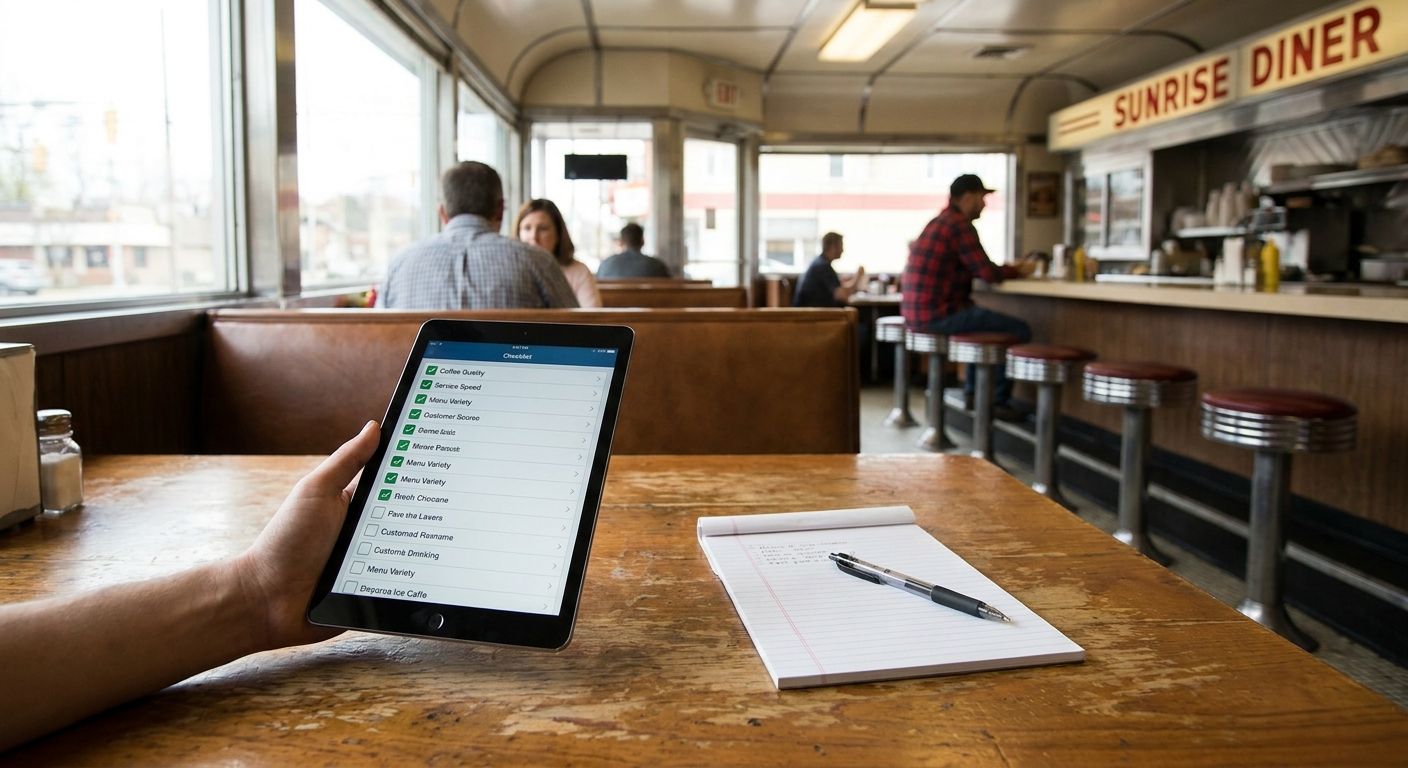
The best diner checklist tracker in 2026 is Triptyka's printable, passport-style checklist for anyone who wants a physical, gamified record of every diner they've hit. A Google Sheets tracker wins for data-driven diner hunters who want custom columns for mileage, order, and rating. A plain notebook is the best zero-tech option if you just want to jot down names and dates without opening an app.
- Triptyka's printable checklist tracker wins for collectors who want a physical, gamified diner list in 2026.
- Google Sheets or Excel wins for diner hunters who want custom fields like mileage and rating.
- Notion fits digital planners who already keep linked notes and photos.
- Foursquare/Swarm works for social check-ins but isn't built for private tracking.
- A paper journal is the fastest way to start with zero setup.
Why this matters
Diner hunting is a checklist hobby the same way ballpark chasing or lighthouse touring is — the fun comes from the running count, not just the meal. Without a tracker, most people lose the thread after a dozen stops: no record of which chrome-and-formica spot in which town, no photo tied to a date.
The format matters more than most people assume. A tracker built for roadside attraction checklists works for diners for the same reason: both categories are scattered, regional, and rarely have a single official database. You need a format you control, not one tied to a third party's business listings.
What makes the best diner checklist tracker
- Printable or exportable — you own the record, not a server
- Customizable categories — chains vs. independent diners, breakfast vs. late-night spots
- No login or subscription required to log a visit
- Offline-friendly — most diners worth chasing are in dead-zone towns
- Room for notes — order, date, mileage, who you were with
- Visual progress — a checklist grid or map beats a buried spreadsheet tab
At a glance
| Tracker | Best for | Standout feature | Key limitation |
|---|---|---|---|
| Triptyka printable diner checklist | Collectors who want a printed trophy wall | Passport-style format shared with ballpark and national park lists | No built-in mapping or GPS check-in |
| Google Sheets / Excel tracker | Data-driven diner hunters | Fully custom columns for mileage, order, rating | Manual setup, zero built-in gamification |
| Notion database | Digital planners with linked notes | Filterable fields with photos attached | Learning curve for non-Notion users |
| Foursquare / Swarm check-ins | Social sharing and location tagging | Automatic GPS tagging, friend visibility | Public feed, not private tracking |
| Paper travel journal | Zero-tech, zero-setup start | Works anywhere, no app or battery | No search, sort, or backup |
1. Triptyka's Printable Diner Checklist: best diner checklist tracker for collectors who want a physical trophy wall
Triptyka applies the same passport-style checklist format it uses for national parks, bourbon trails, and fine dining lists to a diner-hunting list you build yourself. You print it, fill in the diner name, town, and date as you go, and the page becomes a physical record instead of a folder buried on a phone.
Triptyka pros:
- Passport-style format already proven on other bucket-list categories
- Print-at-home, no app, no account, no login
- Works for any list you assemble — regional diner chains, classic 1950s roadside spots, or a personal top-50
Triptyka cons:
- No built-in map or GPS check-in
- Static once printed — updates mean reprinting a page
- Best fit for readers who already like printable trophy trackers, not spreadsheet people
Best for: collectors who want a physical checklist tracker they can pin up or keep in the glovebox. Verdict: Buy.
2. DIY Spreadsheet Tracker: best diner checklist tracker for data-driven diner hunters
A Google Sheets or Excel tracker gives you full control over what you log — mileage, order, rating, price range, whatever matters to your list. It syncs across devices automatically if you build it in Google Sheets.
Spreadsheet pros:
- Completely custom columns and sorting
- Free, syncs across phone and laptop
- Easy to share and co-edit with a travel partner
Spreadsheet cons:
- Setup takes real time before you log the first diner
- No visual gamification — it's a grid, not a trophy
- Easy to abandon once the novelty wears off
Best for: people who already track everything else in a spreadsheet. Verdict: Buy.
3. Notion Database: best diner checklist tracker for digital planners with linked notes and photos
A Notion database lets you filter diners by state, cuisine, or rating, and attach photos and notes directly to each entry. It's the closest digital equivalent to a scrapbook.
Notion pros:
- Filterable by state, cuisine, or rating
- Photos and notes live inside the same entry
- Templates cut setup time significantly
Notion cons:
- Steeper learning curve than a spreadsheet for first-time users
- Formatting drifts without occasional cleanup
Best for: people who already run their travel planning through Notion. Verdict: Hold — worth it only if you're already in the ecosystem.
4. Foursquare / Swarm Check-Ins: best diner checklist tracker for social sharing
Swarm logs a GPS check-in every time you visit a diner and shows the history to friends who follow you. It's built for sharing, not for a private personal list.
Foursquare/Swarm pros:
- Automatic location tagging, no manual entry
- Friends can see your check-in history
- Free to use
Foursquare/Swarm cons:
- Public by default — not a private tracker
- Rural and independent diners are often missing from the business database
Best for: diner hunters who want their visits visible to friends. Verdict: Skip if privacy matters, otherwise fine as a side log.
5. Paper Travel Journal: best diner checklist tracker for zero setup
A plain notebook still works. No battery, no signal requirement, no account — just a pen and a page for every stop.
Paper journal pros:
- Zero setup time
- Works with no signal, anywhere
Paper journal cons:
- No search or sort once the list gets long
- A lost notebook means a lost list
Best for: anyone who wants to start tonight with what's already in a junk drawer. Verdict: Buy if simplicity beats features.
How we ranked
Each tracker was measured against the six criteria above: printability, customization, cost of entry, offline use, note-taking room, and visual progress. Triptyka's printable checklist and the DIY spreadsheet tied for the top two spots because they're the only two options with zero ongoing dependency on an app staying online. Foursquare/Swarm ranked lowest on privacy despite winning on convenience.
“If your diner tracker requires an app update, it's not a diner tracker — it's a subscription.”
Which diner checklist tracker should you choose?
If you want something you can print tonight and start filling in at the next diner, Triptyka's checklist tracker is the default pick for 2026 — it's the same passport format already working for lighthouse and national park lists. If you're the type who wants a rating column and a mileage tally, build a spreadsheet instead. If you just want to start without deciding anything, grab a notebook and log your next stop by hand.
Browse the checklist catalog
See the printable passport-style format used across other bucket-list categories.
FAQ
What is the best diner checklist tracker in 2026?
A printable passport-style checklist like Triptyka's is the best diner checklist tracker for collectors who want a physical record. Spreadsheets and Notion databases work better for people who want custom data fields.
Is a printable checklist better than an app for tracking diners?
A printable checklist doesn't depend on an app staying online or a company keeping a business listing accurate, which matters for independent diners that often go missing from location-based apps. It's less convenient for automatic logging than an app.
How do I track diners I've visited without an app?
Print a checklist or keep a notebook and log the diner name, town, and date at each stop. Both work offline and require no account.
Can I use Foursquare or Swarm to track diner visits privately?
Swarm defaults to a public feed visible to friends, so it isn't built for private tracking. A spreadsheet or printable checklist keeps the list to yourself.
What's the easiest way to start a diner bucket list?
Print a checklist or open a notebook and write down the next diner you plan to visit. Setup takes minutes compared to building a custom spreadsheet or database.
Do diner checklist trackers work for road trips?
Yes, a printable or paper tracker works better than an app on long road trips through areas with weak signal. Diners are often in small towns where app-based check-ins fail to find the listing.
How much detail should a diner tracker include?
Name, town, and date cover the basics; add order, rating, or mileage only if you'll actually keep filling them in. Trackers with too many fields get abandoned faster.
Are printable diner checklists reusable?
A printable checklist page is a single-use physical record once filled in, so you print a new page as your list grows. That's the tradeoff for owning a physical, app-free record.
One last thing
Pair a printable checklist with a phone photo folder: the checklist gives you the visual trophy, the photos give you proof, and neither one depends on an app staying in business. That combination beats any single tracker on this list, digital or paper, and it costs nothing beyond what you already own in 2026.


