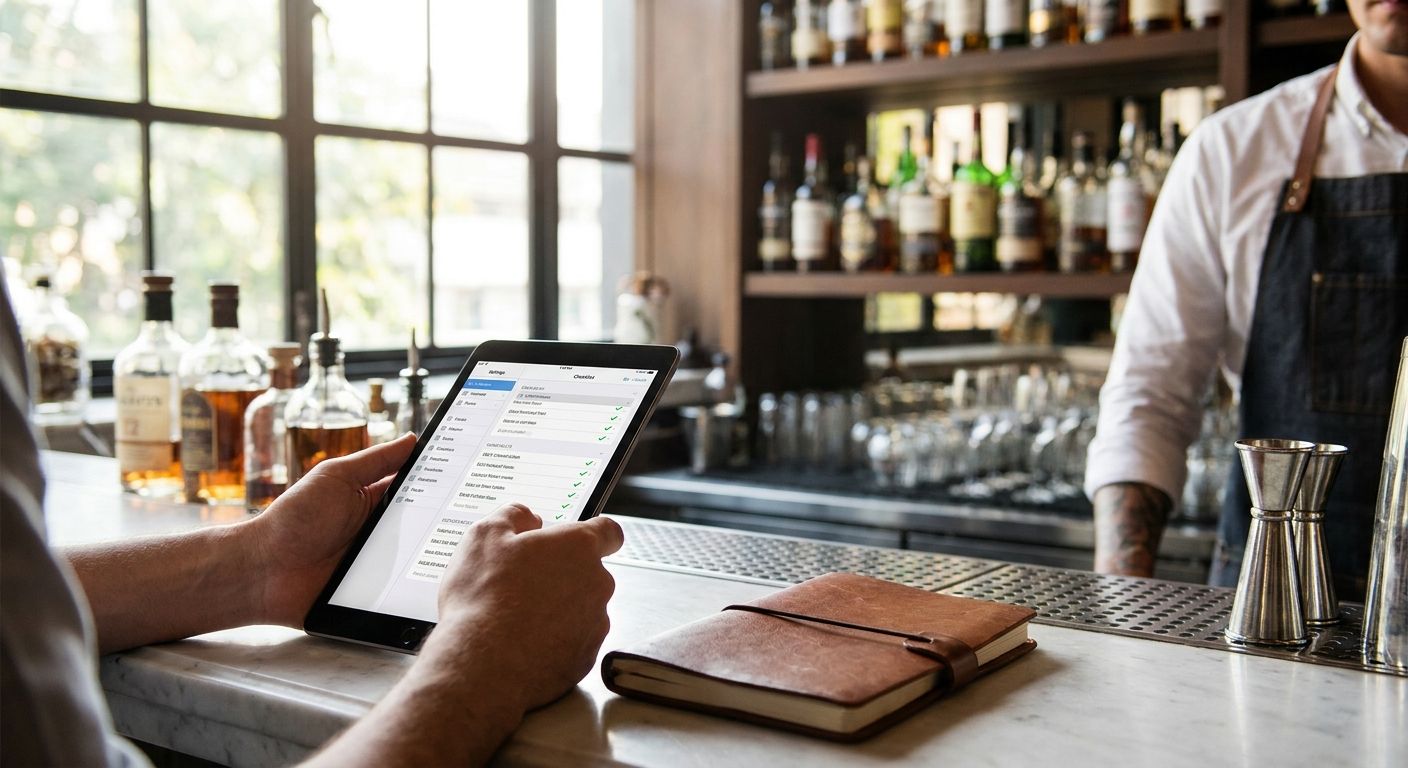
Ranking cocktail bar checklist trackers in 2026 comes down to one question: do you want a physical artifact you can frame, a digital log you can search, or a free spreadsheet you build yourself? Here's the breakdown for people trying to actually finish a bar list instead of losing track after a dozen visits.
- Triptyka's printable cocktail bar checklist wins for print-and-frame gamifiers who want a physical passport to stamp.
- A Notion cocktail tracker template is the best digital pick for logging tasting notes and photos.
- A DIY Google Sheet is the free option if you don't mind building your own columns.
- Group bar-crawl check-in apps work best for social nights out, not solo tracking.
- A leather-bound bar journal suits drinkers who don't want a phone out at the bar.
Why this matters
Cocktail bar lists sprawl fast. A serious speakeasy crawl in a city like New Orleans or Chicago can hit 40+ bars once you add tiki rooms, hotel lounges, and hidden-entrance spots. Without a system, most people re-visit the same three bars and forget the rest of the list exists.
The best cocktail bar checklist tracker in 2026 isn't the flashiest one. It's the one you'll actually open again in six months. That's the filter this ranking uses.
What makes the best cocktail bar checklist tracker
- Format flexibility — works whether you're printing it, framing it, or pulling it up on a phone at the bar
- Space for tasting notes — room to jot the drink name, the bartender's recommendation, or a rating
- Progress visualization — a way to see how much of the list is done at a glance, not buried in a spreadsheet tab
- Low-light usability — cocktail bars are dim; tiny app text or cluttered spreadsheets fail here
- No dependency on wifi or a subscription — a good tracker works the same at bar #1 and bar #40
- A finish line — a defined list length, not an endlessly scrolling app feed
Triptyka's printable checklists are built around a fixed, printable format, which is why they show up first below — the passport-style layout gives you a visible finish line instead of an open-ended log.
Cocktail bar checklist trackers at a glance
| Tracker | Best for | Standout feature | Key limitation |
|---|---|---|---|
| Triptyka printable checklist | Print-and-frame gamifiers | Fixed passport layout you can stamp or check off | No built-in tasting-note fields |
| Notion tracker template | Digital note-takers | Searchable database with photos and tags | Requires setup time and a Notion account |
| Google Sheets DIY tracker | Free, build-it-yourself crowd | Fully customizable, zero cost to start | You build every column yourself |
| Leather-bound bar journal | No-screen drinkers | Tactile, no battery or app needed | No search, no backup if lost |
| Group bar-crawl check-in apps | Social nights out | Real-time sharing with friends | Not designed for long-term solo tracking |
1. Triptyka: best cocktail bar checklist for print-and-frame gamifiers
Triptyka sells downloadable, printable bucket-list passport checklists across categories like bourbon trails, ballparks, and national parks, and the same passport format applies to bar-hopping lists. You print it, check off each stop, and end up with a physical record instead of a buried app entry.
Triptyka pros:
- Print once, use forever — no app updates or logins to manage
- Passport format gives a visible, finite goal instead of an infinite scroll
- Works offline by design since it's a physical page
- Same format transfers across bucket-list categories if you're already tracking bourbon trail stops
Triptyka cons:
- No dedicated field for detailed tasting notes beyond a checkbox and short line
- You have to print and re-print if you want a clean copy after heavy use
- No cloud backup — lose the printout, lose your progress
Best for: people who want a physical, frameable record of every cocktail bar they've hit. Verdict: Buy.
2. Notion cocktail bar tracker template: best for digital note-takers
Notion is a widely used note-taking and database app, and cocktail bar tracker templates built on it let you log each bar as a database entry with tags, ratings, and photos attached.
Notion tracker pros:
- Searchable — pull up every bar you've rated 4 stars or higher in seconds
- Room for full tasting notes, photos, and bartender recommendations
- Syncs across phone and desktop automatically
Notion tracker cons:
- Setup takes real time if you're building the template from scratch
- Small text and dense menus are hard to read in a dim bar
- Depends on having the app installed and an account signed in
Best for: drinkers who want a searchable archive with notes and photos, not just checkboxes. Verdict: Buy if you already use Notion for other lists.
3. Google Sheets DIY tracker: best free option
A blank Google Sheet costs nothing and gives you full control over columns — bar name, neighborhood, signature drink, date visited, rating.
Google Sheets pros:
- Free and available to anyone with a Google account
- Fully customizable — add or remove columns as your list grows
- Easy to share with a friend doing the same crawl
Google Sheets cons:
- You build the entire structure yourself before you can use it
- No visual passport or gamification — it's a grid, not an experience
- Easy to abandon once the novelty of a new spreadsheet wears off
Best for: anyone who wants a zero-cost tracker and doesn't mind spending an hour setting it up. Verdict: Hold unless you enjoy spreadsheet work.
4. Leather-bound bar journal: best for no-screen drinkers
A physical notebook dedicated to bar visits works the same way travel journals have worked for decades — write the name, the date, the drink, done.
Bar journal pros:
- No screen, no battery, no distraction from the bar itself
- Feels personal — handwriting a note carries more weight than a tap
- Doubles as a keepsake you can flip through years later
Bar journal cons:
- No search function — finding a specific bar means flipping pages
- No backup; lose the notebook and the record is gone
- No built-in checklist structure, so you track progress manually
Best for: people who deliberately want to leave the phone in their pocket while out. Verdict: Hold as a supplement, not a primary tracker.
5. Group bar-crawl check-in apps: best for social nights out
Check-in style apps let a group share real-time location and notes during an organized crawl, which is useful for the night itself but weaker as a long-term personal record.
Bar-crawl app pros:
- Real-time sharing keeps a group synced on where to meet next
- Good for organizing a one-night event across multiple bars
- Social features make it easy to see what friends ordered
Bar-crawl app cons:
- Built for single-night events, not year-over-year list tracking
- Progress often resets or gets buried after the event ends
- Requires wifi or data at each stop to function properly
Best for: planning one specific group crawl, not tracking a personal bucket list over time. Verdict: Skip if your goal is long-term tracking.
Get your printable bucket-list passport
Print, check off, and frame your cocktail bar progress.
How this was ranked
Each tracker was weighed against the six criteria above: format flexibility, room for tasting notes, progress visualization, low-light usability, independence from wifi or subscriptions, and whether it gives you a defined finish line. Trackers that fail on more than one criterion — like bar-crawl apps needing constant connectivity and resetting after a single event — dropped lower in the ranking.
Which cocktail bar checklist tracker should you choose?
If you want one answer: the Triptyka printable checklist is the default pick for 2026 because it gives you a physical, finite goal without needing an app, an account, or a wifi signal at the bar. If you're the type who wants searchable tasting notes and photos attached to every stop, the Notion template is the better fit. Everyone else — the free-tool crowd, the no-screen crowd, and the one-night-crawl crowd — has a clear lane in the table above.
FAQ
What's the best cocktail bar checklist tracker in 2026?
Triptyka's printable passport-style checklist is the best overall pick in 2026 for anyone who wants a physical, frameable record instead of an app log. Digital note-takers who want searchable tasting notes are better served by a Notion tracker template.
Is a printable checklist better than an app for tracking cocktail bars?
A printable checklist works better for people who want a finite goal and no dependency on wifi or logins. Apps win when you need search, photos, or real-time sharing with a group.
Can I make my own cocktail bar tracker for free?
Yes, a Google Sheet costs nothing and lets you build custom columns for bar name, drink, date, and rating. It takes setup time upfront since you're building the structure yourself.
Do group bar-crawl apps work without wifi at the venue?
Most check-in style bar-crawl apps need wifi or mobile data to sync location and notes in real time. That makes them unreliable in basement speakeasies or venues with poor signal.
What's the difference between a printable checklist and a Notion tracker?
A printable checklist gives you a fixed, physical page you check off by hand, while a Notion tracker is a searchable digital database with room for photos and long notes. Choose based on whether you want a physical keepsake or a searchable archive.
How many cocktail bars should go on a bar-hopping checklist?
Most city-focused bar lists run somewhere between 15 and 40 stops depending on how niche the theme is (tiki bars, hotel lounges, speakeasies). The right number is whatever gives you a realistic finish line within a year.
Is a physical bar journal worth using alongside a checklist?
A journal adds personal detail a checklist can't hold, like a full tasting note or a sketch of the bar's layout. It works best as a supplement to a checklist rather than a replacement for one.
Does Triptyka make checklists for other bucket-list categories besides bars?
Triptyka's printable passport format is built around bucket-list categories like bourbon trails, national parks, and ballparks. The same checklist structure applies whether the theme is bars, parks, or historic landmarks.
One last thing
The trackers that actually get finished share one trait: a visible endpoint. Endless apps and open-ended spreadsheets are easy to abandon because there's no line to cross. A printed passport with a fixed number of stops gives your brain a reason to keep going until the last box is checked — which is exactly why the format that started with bourbon trails and ballparks works just as well for cocktail bars in 2026.


