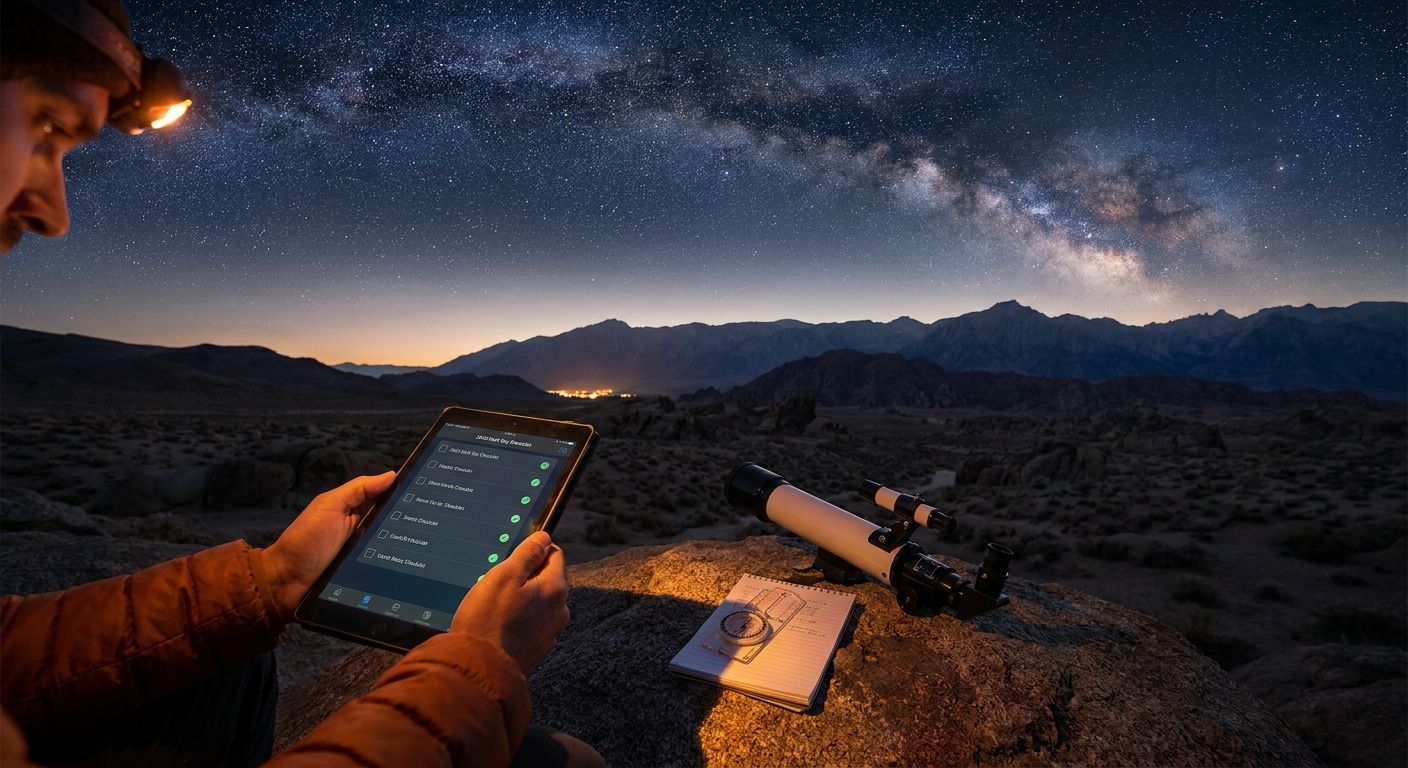
Best overall: Triptyka's Dark Sky Park Passport (printable checklist). Best for spreadsheet lovers: a DIY Google Sheets tracker. Best free digital option: a Notion dark sky tracker template. Best for tactile collectors: a physical stamp passport or travel journal. Best for route planning: a general trip-planning app like Roadtrippers or AllTrails.
Dark sky parks don't behave like national parks or ballparks — most sit hours from cell towers, and the whole point of visiting is losing the glow of a screen, not staring at one. That changes what "best tracker" even means in 2026.
- Triptyka's printable Dark Sky Park Passport wins for offline-first tracking across every DarkSky International designation type.
- Spreadsheets stay the best free dark sky park checklist tracker if you already live in Google Sheets.
- Apps built for route planning, not stargazing, struggle once you're off-grid at the actual site.
- A physical stamp passport suits collectors who want a keepsake object, not just a checked box.
Why this matters
DarkSky International certifies places across five distinct categories — Parks, Reserves, Sanctuaries, Communities, and Urban Night Sky Places — and the list keeps growing every year. A generic travel app that tracks "attractions" doesn't separate those categories, so your checklist either misses designation types or lumps them together with unrelated stops.
The other problem is connectivity. Dark sky sites are dark because they're remote, which means the app you open at 11pm to log a visit needs to work with zero bars. A national park checklist tracker faces the same issue, since a lot of dark sky parks sit inside national or state park boundaries.
What makes the best dark sky park checklist tracker
- Covers all five designation types — Parks, Reserves, Sanctuaries, Communities, Urban Night Sky Places — not just the famous national park units
- Works with no signal — printable, downloaded PDF, or offline-capable app, since most sites have no reliable data connection
- Fast to update in the dark — a checkbox or a pen mark beats typing on a phone screen under red-light mode
- Room for notes — Bortle class observed, weather, what you actually saw (Milky Way core, meteor shower, aurora)
- One-time setup, not a subscription — you're tracking a hobby, not running a business
- Doubles as a keepsake — the best trackers hold up as something you'd actually want to look back on in 2027 and beyond
Dark sky park checklist trackers at a glance
| Tracker | Best for | Standout feature | Key limitation |
|---|---|---|---|
| Triptyka Dark Sky Park Passport | Gamifying visits offline | Pre-built checklist across designation types | Static list, no live map |
| DIY Google Sheets tracker | Free, fully custom tracking | Total control over columns and formulas | You build it from scratch |
| Notion dark sky tracker template | Digital notes with photos | Rich media attached to each entry | Needs signal or sync to update |
| Physical stamp passport | Tactile, souvenir-style tracking | A real object you keep and flip through | No search, no backup if lost |
| Trip-planning app (Roadtrippers, AllTrails) | Route planning around stops | Maps driving routes between sites | Not built for checklist logging |
1. Triptyka Dark Sky Park Passport: best dark sky park checklist tracker for gamifying visits
Triptyka's printable passport is a downloadable checklist built the same way as its other bucket-list trackers — one page per category, boxes to check off as you go, print it or fill it in on a tablet. It's designed to sit in a glovebox or a camp bag, not to sync to a server.
Triptyka pros:
- Structured by designation type, so Parks, Reserves, Sanctuaries, and Communities don't get mixed into one undifferentiated list
- Works with zero signal since it's a physical or offline PDF format
- No account, no login, no app to keep updated through 2026 and beyond
Triptyka cons:
- No live map or GPS check-in — you mark visits manually
- Doesn't auto-update when new sites get certified, so you re-check the list yourself periodically
Best for: collectors who want a low-friction, offline-first way to log every dark sky site they visit without opening an app.
Verdict: Buy.
2. DIY Google Sheets tracker: best free dark sky park checklist tracker for spreadsheet lovers
A spreadsheet you build yourself — columns for site name, designation type, visit date, Bortle class observed, notes. It costs nothing and syncs across devices through Google's own infrastructure.
Google Sheets tracker pros:
- Free, and fully customizable to your own categories
- Sortable and filterable, so you can group by designation type or region instantly
- Syncs automatically across phone, tablet, and desktop
Google Sheets tracker cons:
- You build the whole list from scratch — no pre-populated dark sky site data
- Editing on a phone with no signal at the actual site is clunky compared to a printed page
Best for: anyone who already lives in spreadsheets and wants full control over the data structure.
Verdict: Buy if you're comfortable building it yourself; otherwise skip.
3. Notion dark sky tracker template: best for digital note-takers who want photos attached
A Notion database lets you attach photos, star ratings, and long-form notes to each dark sky site you visit, then filter the whole collection by designation type or date.
Notion template pros:
- Attach photos and notes directly to each entry
- Filter and sort by any field you set up
- Free tier covers personal use
Notion template cons:
- Needs an internet connection to sync new entries, which fights against the whole point of a remote dark sky visit
- Steeper setup time than a pre-built checklist
Best for: people who want a rich digital record with photos, not just a checked box.
Verdict: Hold until you've tested it at one remote site — the sync-dependency is the deciding factor.
4. Physical stamp passport or travel journal: best for tactile collectors
A bound paper journal or stamp-style passport, the kind you fill in by hand and keep on a shelf. Some dark sky sites and visitor centers offer their own stamps or logbooks, similar to the National Park Service passport program.
Stamp passport pros:
- A physical keepsake you can hold, gift, or display
- Zero dependency on batteries, apps, or signal
- Works alongside any digital tracker as a backup
Stamp passport cons:
- No search or filter — flipping pages is the only way to check status
- If it's lost, there's no backup copy
Best for: collectors who want a tangible object as much as a functional tracker.
Verdict: Buy as a companion to a digital or printable list, not a replacement.
5. Trip-planning apps (Roadtrippers, AllTrails): best for route planning around dark sky stops
General-purpose road trip and outdoor apps map routes and save points of interest, including some dark sky sites, but they're built for navigation first and checklist tracking second.
Trip-planning app pros:
- Maps driving routes between multiple stops
- Useful for finding nearby trails, campgrounds, or fuel stops
- Most have a free tier for basic use
Trip-planning app cons:
- Not organized by dark sky designation type
- Checklist and "visited" tracking is an afterthought, not the core feature
Best for: planning the drive itself, not logging which designation types you've completed.
Verdict: Wait — use it for routing, pair it with a dedicated checklist for the actual tracking.
Start your dark sky checklist
Browse Triptyka's printable bucket-list trackers for parks, trails, and more.
How we ranked
Each tracker got weighed against the six criteria above: designation-type coverage, offline usability, update speed in the field, note capacity, one-time setup versus ongoing maintenance, and keepsake value. Trackers built specifically for checklist logging outranked general-purpose travel apps, since route planning and site tracking solve different problems.
Which dark sky park checklist tracker should you choose?
If you want one answer: Triptyka's Dark Sky Park Passport covers the most ground with the least setup, and it works exactly the same whether you're at a certified Sanctuary in Idaho or an Urban Night Sky Place two hours from home. Pair it with a physical stamp passport if you want a keepsake object, and lean on a trip-planning app only for mapping the drive between sites. Skip the spreadsheet route unless you genuinely enjoy building your own database from scratch — most people don't finish it.
FAQ
What's the best dark sky park checklist tracker in 2026?
Triptyka's printable Dark Sky Park Passport is the best overall option in 2026 because it covers all five DarkSky International designation types and works with zero signal. A physical stamp passport or a Notion template are solid runner-ups depending on whether you want a keepsake object or rich digital notes.
Is a printable checklist better than an app for dark sky parks?
For most visitors, yes, because dark sky sites are remote and often have no cell signal. A printed or downloaded PDF checklist works the same in a parking lot with zero bars as it does at home.
How many types of dark sky designations exist?
DarkSky International recognizes five designation types: International Dark Sky Parks, Reserves, Sanctuaries, Communities, and Urban Night Sky Places. A good tracker separates these instead of lumping every site into one generic list.
Do dark sky parks have cell service for digital trackers?
Most don't, which is part of why they qualify as dark sky sites in the first place. Any tracker that depends on live sync will lag behind a printable or offline checklist at the actual site.
What is the Bortle scale and why does it matter for tracking visits?
The Bortle scale rates night sky darkness from 1 (darkest) to 9 (brightest, inner-city skies). Most bucket-list dark sky destinations sit at Bortle class 1 or 2, and noting the class you actually observed adds useful context to a visit log.
Can I track dark sky park visits without an app?
Yes. A printed passport, a bound travel journal, or a physical stamp book all work without any app or account, and they hold up better in the field than a phone screen at night.
Are trip-planning apps good for dark sky checklists?
They're built for routing between stops, not for logging which designation types you've completed. Use them to plan the drive, then pair them with a dedicated checklist for the actual tracking.
How much does it cost to track dark sky park visits?
Options range from free (a spreadsheet you build yourself) to a low one-time cost for a pre-built printable passport. Check the current listing for exact pricing since it can change.
One last thing
The designation type matters more than most trackers admit: an Urban Night Sky Place near a metro area and a remote International Dark Sky Sanctuary are graded on completely different criteria, and a checklist that treats them as the same category undersells the harder-to-reach sites. Track by type, not just by name, and the list actually means something by the time you finish it.


