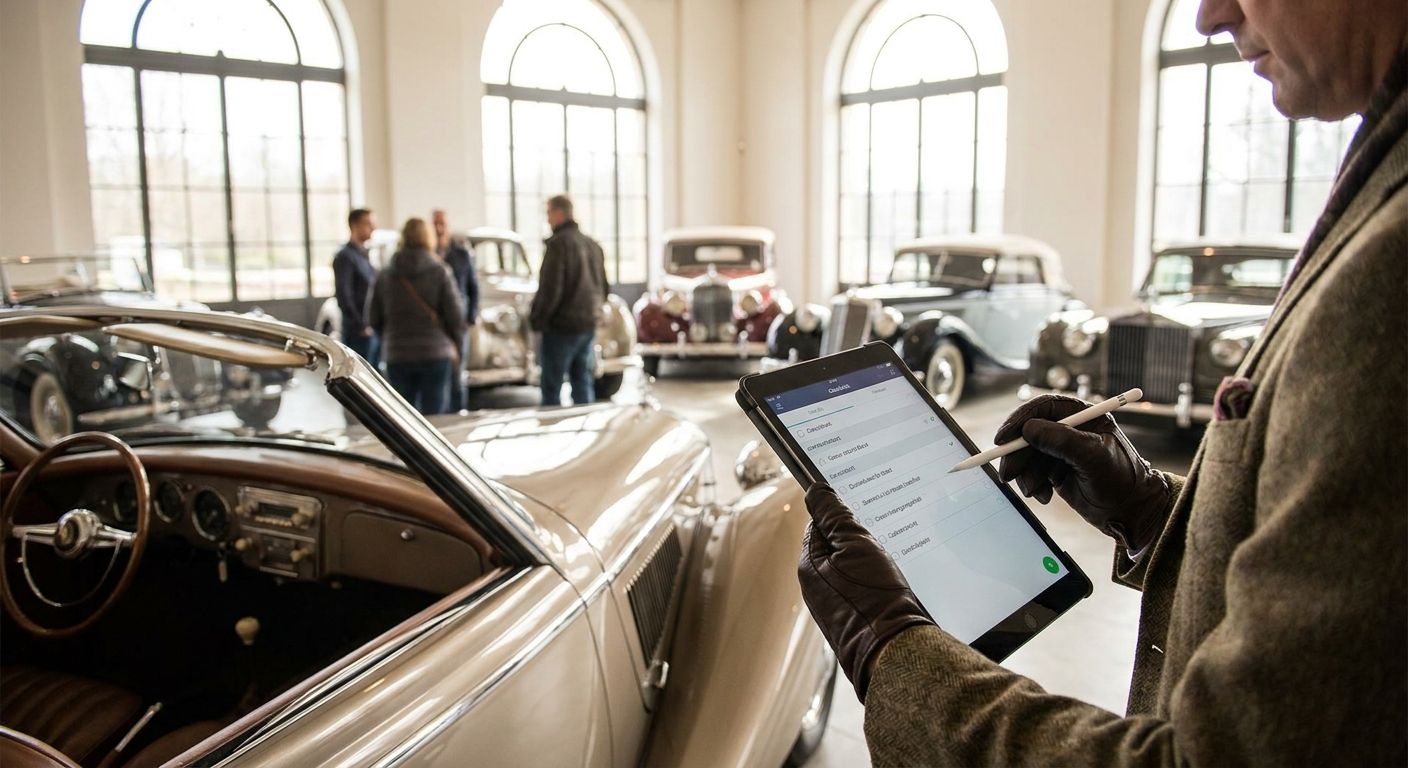
Best overall: Triptyka's Classic Car Museum Checklist Passport. Best free option: a DIY Google Sheets tracker. Best for road-trip planning: Wanderlog. Best analog pick: a physical bucket-list journal. If you're trying to pick the best classic car museum checklist tracker in 2026, the answer depends on whether you want something printable, something free, or something built for planning a multi-stop drive.
- Triptyka's Classic Car Museum Checklist Passport wins for gamified, printable tracking of museum visits in 2026.
- Google Sheets is the best free classic car museum checklist tracker if you're willing to build your own columns.
- Wanderlog fits drivers stringing together several museums on one road trip, not solo visit logging.
- A physical bucket-list journal beats every app for collectors who don't want a screen involved.
- Museum association passport programs only cover participating locations, so they can't replace a full tracker.
Why this matters
Most people who chase classic car museums don't just want to remember where they've been — they want a system that makes the collecting feel like progress. A sticky note doesn't do that. A classic car museum checklist passport does, because it turns a scattered list of Hershey, Auburn Cord Duesenberg, and the Petersen into a completable set.
The options below range from a $9.99 printable passport to a spreadsheet you build yourself. None of them require a subscription to a car club or a museum membership card. What matters in 2026 is picking the format that survives contact with your actual habits — if you won't open an app mid-visit, an app isn't your tracker.
What makes the best classic car museum checklist tracker
- Low friction at the museum door — logging a visit should take under a minute, not require Wi-Fi and a login screen.
- A finite, checkable list — an open-ended notes doc doesn't create the same completion pull as a fixed checklist.
- Portability — printable or offline formats work in the rural pockets where a lot of classic car museums actually sit.
- Room for personal notes — favorite car on the floor, admission cost that day, who you went with.
- No recurring cost — a one-time printable or a free spreadsheet beats a subscription for a hobby you do a few times a year.
- Visual satisfaction — a passport you can physically stamp or check off outperforms a buried spreadsheet tab for motivation.
At a glance
| Tracker | Best For | Standout Feature | Key Limitation |
|---|---|---|---|
| Triptyka Classic Car Museum Checklist Passport | Gamified bucket-list tracking | Printable, checkable format built specifically for museum bucket lists | Static list — doesn't auto-update with new museums |
| Google Sheets DIY Tracker | Fully custom, free tracking | Add any column you want (mileage, admission, notes) | Takes setup time; no built-in museum list |
| Notion Template | Digital notes with photos | Attach photos and ratings to each museum entry | Steeper learning curve than a plain checklist |
| Wanderlog | Planning multi-museum road trips | Maps out driving routes between stops | Not built as a checklist — trip planner first |
| Physical Bucket-List Journal | Analog, screen-free tracking | Tactile, no battery or app required | No search, no photo attachments |
| Museum Association Passport Programs | Official stamped recognition | Stamps or seals collected in person | Only covers participating museums |
1. Triptyka Classic Car Museum Checklist Passport: best classic car museum checklist tracker for gamified bucket-list tracking
This is a downloadable, printable checklist built around the idea of a passport — you check off classic car and auto museums as you visit them, the same way Triptyka's other passports work for lighthouses, national parks, and bourbon trails. It's a one-time download, not an app, so there's nothing to update or log into at the door.
Triptyka Classic Car Museum Checklist Passport pros:
- Purpose-built for museum bucket lists, not a repurposed notes app
- Printable at home, so it works without cell signal at rural sites
- Checklist format creates a visible sense of completion
- One-time download instead of a recurring subscription
Triptyka Classic Car Museum Checklist Passport cons:
- Fixed list won't automatically include a museum that opens after you print it
- No built-in photo storage — you'll need a separate album for that
Best for: collectors who want a physical, checkable bucket list they can carry in the glovebox. Verdict: Buy.
2. Google Sheets DIY Tracker: best classic car museum checklist tracker for free, custom tracking
A spreadsheet you build yourself, with columns for museum name, city, visit date, and whatever else matters to you. It costs nothing and works on any device with a browser, which makes it the default for people who'd rather build than buy.
Google Sheets DIY Tracker pros:
- Free and infinitely customizable
- Sortable and filterable by state, date, or rating
- Easy to share with a travel partner
Google Sheets DIY Tracker cons:
- You have to research and enter every museum yourself
- No visual "passport" satisfaction — it's a table, not a checklist
- Requires internet access to edit unless you set up offline sync
Best for: budget-conscious trackers who don't mind building the list from scratch. Verdict: Buy.
3. Notion Template: best classic car museum checklist tracker for digital notes with photos
A Notion database lets you attach a photo, a star rating, and a paragraph of notes to every museum entry. It's the closest thing to a digital scrapbook among the trackers here, and it syncs across phone and laptop automatically.
Notion Template pros:
- Attach photos and long-form notes to each entry
- Syncs across devices without manual saving
- Filter and sort views by region or visit status
Notion Template cons:
- Learning curve if you've never used Notion before
- Overkill if all you want is a simple checked box
Best for: people who want their museum log to double as a photo journal. Verdict: Buy.
4. Wanderlog: best classic car museum checklist tracker for planning multi-museum road trips
Wanderlog is built as a trip planner, not a checklist app, but it earns a spot here because stringing together three or four car museums on one drive is a real use case in 2026. It maps driving distances between stops so you can plan a loop instead of backtracking. If you're already mapping out a scenic byway route that happens to pass a few museums, this is the tool for that leg of the trip.
Wanderlog pros:
- Maps driving time and distance between multiple museums
- Useful for combining museum stops with other road-trip destinations
- Works well alongside a printable checklist rather than replacing it
Wanderlog cons:
- Not designed as a bucket-list checklist — no completion tracking built in
- Trip-planning features you may not need if you're only logging visits
Best for: drivers building a route through several museums in one trip. Verdict: Hold — pair it with a real checklist rather than using it alone.
5. Physical Bucket-List Journal: best classic car museum checklist tracker for screen-free tracking
A plain notebook or journal, used the old-fashioned way: write the museum name, the date, and a line about what stood out. No app, no login, no battery to die at the door.
Physical Bucket-List Journal pros:
- Zero setup and zero tech dependency
- Feels permanent in a way a phone note doesn't
- Works anywhere, including museums with no signal
Physical Bucket-List Journal cons:
- No search function once you've filled a few pages
- Can't attach photos directly
- Easy to lose track of which museums you still want to hit
Best for: collectors who actively avoid adding another app to their phone. Verdict: Buy if you already keep a travel journal.
6. Museum Association Passport Programs: best classic car museum checklist tracker for official stamped recognition
Some regional car museum groups run their own stamp-based passport programs, where you collect a physical stamp or seal at each participating location. It's the most "official" feeling option, but it's also the narrowest.
Museum Association Passport Programs pros:
- In-person stamps feel like a real accomplishment
- Often tied to a specific regional cluster of museums, which makes planning easier
Museum Association Passport Programs cons:
- Only covers museums that participate in that specific program
- Doesn't track museums outside the sponsoring region at all
Best for: collectors focused on one regional car museum circuit rather than a national bucket list. Verdict: Hold — good as a supplement, not a full tracker.
Get the printable museum checklist
Download the classic car museum checklist passport and start tracking visits in 2026.
How we ranked
Each tracker was weighed against the six criteria above: friction at the door, a finite checklist structure, portability without signal, room for personal notes, no recurring cost, and visual payoff. Triptyka's Classic Car Museum Checklist Passport scored highest because it's the only option purpose-built for this exact bucket list rather than adapted from a general notes tool.
“If logging a museum visit takes three taps and a login screen, you'll stop logging museum visits within a month.”
Which classic car museum checklist tracker should you choose?
If you want the fastest path to a working system in 2026, get the Triptyka Classic Car Museum Checklist Passport — it's printed once and used for years. If you'd rather build your own from scratch for free, go with Google Sheets. If you're stacking several museums into one driving loop, run Wanderlog alongside whichever checklist you pick, since it solves routing, not tracking. For collectors who want zero screens involved, the plain physical journal still works exactly as well in 2026 as it did a decade ago.
FAQ
What's the best classic car museum checklist tracker in 2026?
Triptyka's Classic Car Museum Checklist Passport is the best classic car museum checklist tracker in 2026 for anyone who wants a printable, checkable list built specifically for this bucket list. It beats general-purpose notes apps because it doesn't require setup.
Is a printable checklist better than an app for tracking museum visits?
A printable checklist works better for most collectors because it requires no signal, no login, and no battery at the museum door. Apps like Notion add value only if you specifically want photo attachments tied to each entry.
Can I use Google Sheets to track classic car museum visits?
Yes, a Google Sheets tracker works well and costs nothing, but you have to build the museum list and columns yourself. It won't feel as gamified as a checklist passport.
Is Wanderlog a good classic car museum checklist tracker?
Wanderlog is better at planning driving routes between multiple museums than at tracking completed visits. Pair it with a checklist rather than using it alone.
Do museum association passport programs cover every classic car museum?
No, they only cover museums that participate in that specific regional program. They work well as a supplement to a broader personal tracker.
How much does the Triptyka classic car museum checklist cost?
Check the current listing on Triptyka's Etsy shop for pricing, since it's a one-time downloadable and printable product rather than a subscription.
What should I look for in a bucket-list checklist tracker?
Look for low friction at the point of visit, a finite and checkable list, portability without needing signal, and no recurring cost. Visual completion, like checkboxes or stamps, keeps the habit going longer than a plain notes app.
Is a physical journal still practical for tracking museum visits in 2026?
Yes, a physical journal remains fully practical in 2026 for collectors who want a screen-free system. Its main tradeoff is no search function once you've filled several pages.
One last thing
The collectors who actually finish a classic car museum bucket list almost always use the format that requires the fewest steps between "I'm standing in the parking lot" and "it's checked off" — which is exactly why a printed passport tends to outlast an app on most people's dashboards by the end of 2026.


