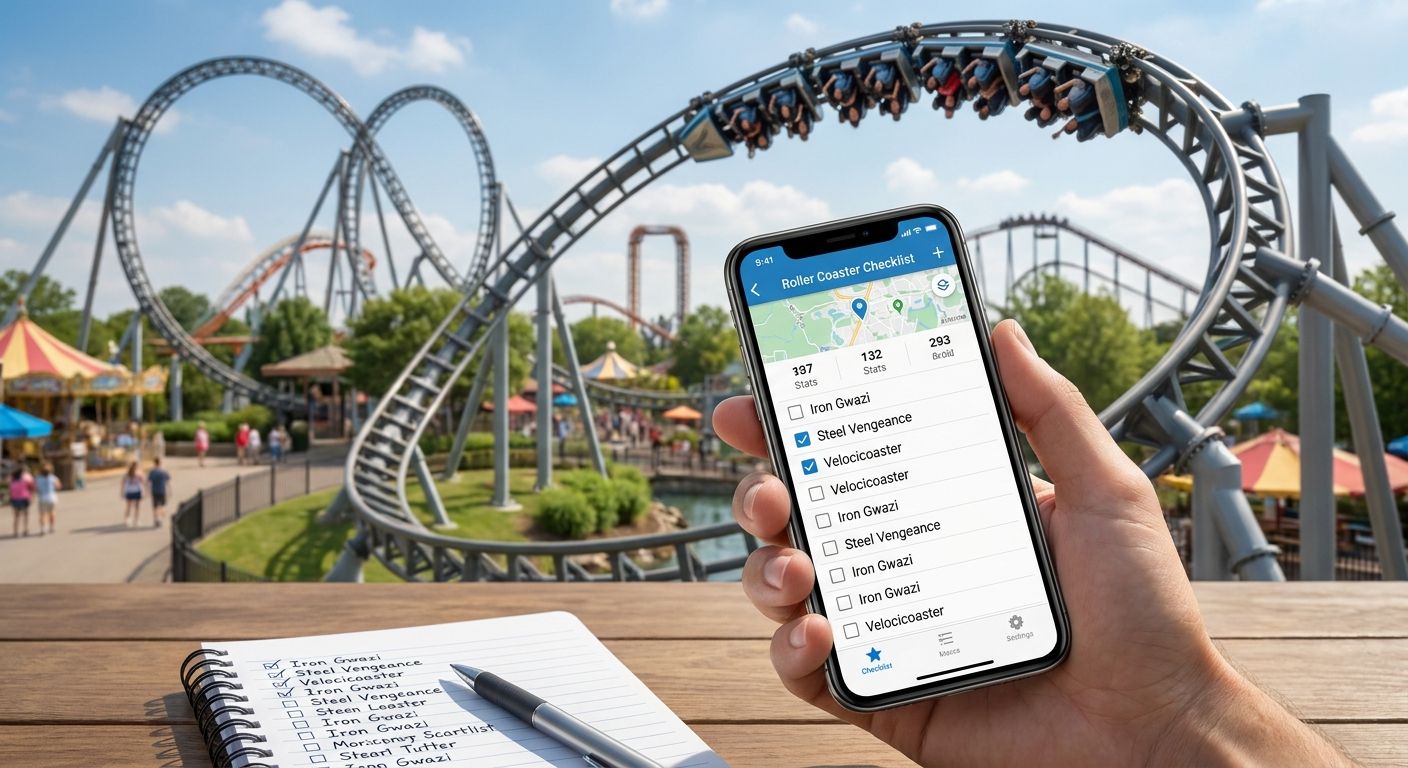
The best roller coaster checklist tracker in 2026 depends on what you're actually optimizing for: a global credit count, a physical keepsake, or a free spreadsheet you control yourself. This guide ranks five real options — a database, a community site, a DIY spreadsheet, and a printable passport — by what each one genuinely does well, limitations included.
- Captain Coaster is the best roller coaster checklist tracker overall for logging global credits and rankings in 2026.
- Triptyka's printable bucket-list passport wins for a physical, gamified coaster checklist you fill in by hand.
- RCDB stays the reference database for verifying coaster stats before you log a credit.
- Google Sheets is the best budget roller coaster checklist tracker because it costs nothing and bends to any format.
- CoasterBuzz suits enthusiasts who want trip planning and community discussion alongside a running credit count.
Why this matters
Tracking roller coasters ridden has grown from a niche enthusiast habit into a mainstream road-trip activity by 2026, with families treating a summer itinerary like birders treat a life list. Amusement parks rarely sit alone on a route, either — they cluster near diners, oddities, and state parks worth their own roadside attraction checklist trackers.
The problem is that most tools do one job well and fail at everything else. A global database like RCDB won't remember which coaster you personally rode last July. A community forum buries your personal checklist under trip reports. A printable passport won't pull live stats on a coaster's top speed.
Pick the wrong roller coaster checklist tracker and the habit dies by August, or you end up running three systems that never agree with each other. The right tool matches how you actually behave at the gate — connected and digital, or paper and offline — not the one with the longest feature list.
What makes the best roller coaster checklist tracker
- Coverage — does it include parks worldwide, or just the handful of US majors everyone already knows
- Logging speed — can you mark a ride in seconds, ideally without needing signal at the park
- Data accuracy — does it pull verified specs (height, speed, opening year) instead of relying on memory
- Format fit — digital and synced, or printed and physical, matching how you actually plan trips
- Social layer — some riders want rankings and forums, others want a private, quiet record
- Durability — a free web tool you're borrowing versus something you own and keep regardless of what happens to the site
At a glance
| Tracker | Best for | Standout feature | Key limitation |
|---|---|---|---|
| Captain Coaster | Global credit logging | Worldwide database plus community rankings | Requires an account to log rides |
| Triptyka Printable Passport | A physical keepsake | Gamified paper checklist, no login or app | No live stat pulls or auto-sync |
| RCDB | Verifying coaster stats | Deepest public database of coaster specs and history | No built-in "ridden" tracking feature |
| CoasterBuzz | Community and trip planning | Forums and trip reports alongside credit tools | Checklist experience is secondary to the forum |
| Google Sheets DIY | Budget tracking | Free and fully customizable | You build and maintain every row yourself |
1. Captain Coaster: best roller coaster checklist tracker for global credit logging
Captain Coaster is an online log where enthusiasts record every coaster they've ridden, rate each one, and see how it stacks against thousands of entries worldwide, including parks in Europe and Asia that most US-focused lists skip.
Captain Coaster pros:
- Worldwide coverage that goes well past the usual US amusement park roundups
- Rankings show exactly how a coaster compares against a global field, not just a personal list
- Running totals update automatically once a ride is logged, no manual math
Captain Coaster cons:
- Account setup is required before you can log anything
- Interface assumes enthusiast-level familiarity with coaster terminology, which can overwhelm a casual family tracker
- No printable version for a day at the park without a signal
Best for: enthusiasts chasing a worldwide credit count. Verdict: Use it.
2. Triptyka Printable Bucket-List Passport: best for a physical keepsake
Triptyka sells downloadable, printable passport-style checklists across bucket-list categories, and the same format works for tracking amusement parks and coaster days by hand. You print the pages, carry them to the park, and check off or stamp each stop as you go, no app or account required.
Triptyka passport pros:
- Works with zero WiFi or app dependency — paper survives a dead phone battery
- The passport format gamifies the trip the way a stamp book does, which keeps kids and casual travelers engaged
- One download you keep permanently, unaffected by a website going offline
Triptyka passport cons:
- No live database of every coaster in existence; you fill in names yourself rather than pulling from a pre-loaded list
- No automatic stat verification the way RCDB provides
- Not built for real-time global ranking against other enthusiasts
Best for: families and casual travelers who want a printed keepsake, not a database. Verdict: Buy.
Browse Triptyka's checklist collection for the full range of printable passport designs beyond amusement parks.
3. RCDB: best for verifying coaster stats before you log a ride
The Roller Coaster DataBase catalogs specs for coasters worldwide — height, speed, manufacturer, and opening or closing dates — and functions as the reference point most enthusiast trackers cross-check against.
RCDB pros:
- The most complete public reference for confirming a coaster's actual stats before logging it
- Useful for confirming a coaster's current status — operating, closed, or relocated — before you build a trip around it
- Free to browse, no account needed to look anything up
RCDB cons:
- Not built as a personal checklist; there's no simple "mark as ridden" feature for casual use
- Dense data tables can overwhelm someone who just wants a quick checklist experience
- Works best paired with a separate tracker rather than used alone
Best for: cross-referencing coaster facts before or after a ride. Verdict: Keep it open as a reference tab.
4. CoasterBuzz: best for community and trip planning
CoasterBuzz combines enthusiast forums, trip reports, and personal credit-tracking tools in one longstanding site, which makes it useful for riders who want input from people who've already hit the parks on their list.
CoasterBuzz pros:
- Trip planning threads from riders with firsthand experience at specific parks
- Community context a static spreadsheet or passport can't provide
- An established enthusiast base with years of trip reports to search
CoasterBuzz cons:
- Credit tracking sits inside a forum-first site, so the checklist itself is secondary
- More of a learning curve than a purpose-built tracker
- Not printable, so it's no help for a physical keepsake
Best for: riders who want community input alongside their tracker. Verdict: Try it if you want the forum, skip it if you just want a checklist.
5. Google Sheets DIY tracker: best budget option
A spreadsheet with columns for park, coaster, date ridden, and notes costs nothing and takes about ten minutes to set up, which makes it the default fallback for riders who don't want to depend on someone else's site.
Google Sheets pros:
- Free indefinitely, with no account beyond one you likely already have
- Fully customizable to whatever matters to you — steel versus wood, top-ten lists, kids' credits separated from adult ones
- Syncs across phone and desktop automatically
Google Sheets cons:
- You populate every row yourself; there's no pre-loaded coaster database
- No built-in stat verification, so errors creep in over time
- Easy to abandon without the gamified push a passport or ranking site provides
Best for: budget-focused riders who want total control over the format. Verdict: Use it if you already live in spreadsheets.
How we ranked these
Each roller coaster checklist tracker above was weighed against the six criteria listed earlier: coverage, logging speed, data accuracy, format fit, social layer, and durability. No tool wins on all six — Captain Coaster trades printability for global rankings, Triptyka's passport trades a live database for a keepsake that never disappears, and RCDB trades a checklist feature entirely for stat depth. That's the honest tradeoff table any 2026 buyer should expect.
Which roller coaster checklist tracker should you choose?
If you want one answer: log rides in Captain Coaster for the global credit count, keep RCDB open to verify stats, and grab a Triptyka printable passport for the parks where you want a physical keepsake instead of another app. Riders on a strict budget who don't need worldwide rankings do fine with a Google Sheets tracker built in an afternoon. CoasterBuzz earns its spot only if trip-planning conversation matters as much as the checklist itself.
“Paper survives a dead phone battery at the park gate; an app doesn't.”
Start your own park checklist
Grab a printable passport-style tracker for your next park trip.
FAQ
What's the best roller coaster checklist tracker in 2026?
Captain Coaster is the best overall roller coaster checklist tracker in 2026 for logging a global credit count and comparing rankings against thousands of other riders. Triptyka's printable passport is the better pick if you want a physical, offline keepsake instead.
Is Captain Coaster better than RCDB?
They do different jobs, not the same one. Captain Coaster is built for personal credit logging and rankings, while RCDB is a reference database for verifying a coaster's specs and history, not a place to mark rides as completed.
How much does a printable roller coaster checklist cost?
Printable checklists like Triptyka's passport-style trackers are sold as one-time downloads rather than subscriptions. Check the current listing on the site for exact pricing before buying.
Can I track roller coasters without an app?
Yes — a printable passport-style checklist or a plain spreadsheet both work without any app or account. Paper trackers also avoid the WiFi and signal problems that come with logging rides mid-visit at a park.
What counts as a 'credit' in roller coaster tracking?
A credit is enthusiast shorthand for one completed ride on a distinct roller coaster, counted once regardless of how many times you ride it again. Sites like Captain Coaster and RCDB use the term to distinguish unique coasters from repeat rides.
Does RCDB track which coasters I've ridden?
No. RCDB is a reference database of coaster specs and history, not a personal checklist tool, so it has no built-in feature for marking rides as completed. Pair it with a separate tracker for that.
Is a printable checklist better than a digital tracker for families?
For families, a printable checklist usually works better because it needs no login, no app download, and no signal at the park. Kids also tend to engage more with checking off a physical page than with a digital list.
How do I verify a coaster's stats before logging it?
Cross-check the coaster against RCDB, which lists height, speed, manufacturer, and operating status for coasters worldwide. Confirm the ride is still operating before you build a trip around it, since parks retire and relocate coasters regularly.
One last thing
The riders who actually finish a season-long roller coaster checklist are the ones who log the ride the moment they get off it, not the ones trying to reconstruct the day from memory that night. A tool that works at the gate, whether that's a printed passport page or a two-second app entry, beats a tool with better features that only gets used at home.


