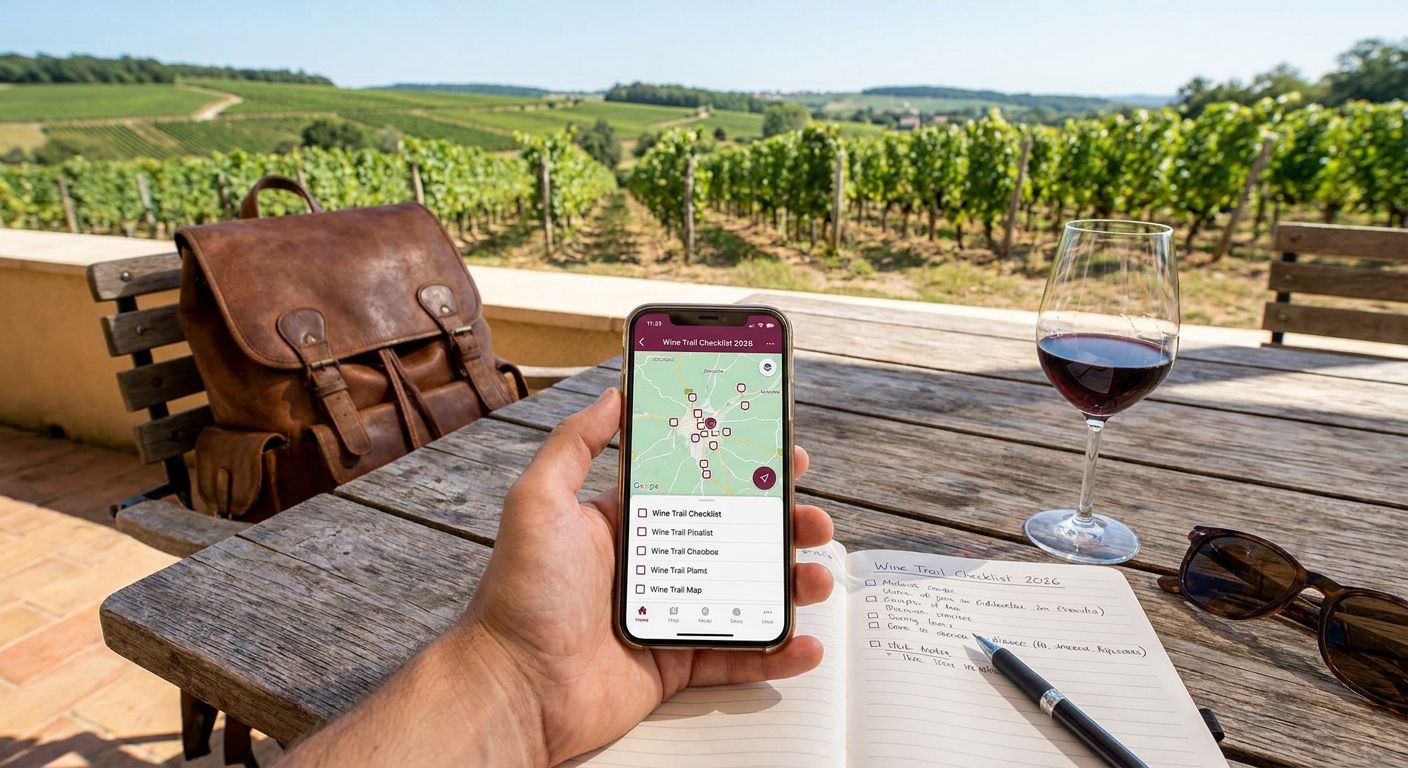
Vineyard hopping only feels like progress when you can see it, and in 2026 the tools for tracking a wine trail range from a $9.99 printable passport to a full-blown cellar-management app. This guide ranks the six most practical ways to track visits, tastings, and bucket-list progress across any wine trail in the country.
- Triptyka's printable checklist wins for gamified, offline wine trail tracking without a subscription.
- Vivino is the best wine trail checklist tracker for scanning and rating bottles, not visits.
- CellarTracker suits collectors who already log cellar inventory and want visits layered on top.
- A free DIY spreadsheet beats every paid option on pure customization and zero cost.
- Regional passport programs work great for one trail but don't travel with you to a new region.
Best overall: Triptyka's printable wine trail checklist. Best for bottle scanning: Vivino. Best for serious collectors: CellarTracker. Best budget option: a DIY spreadsheet. Six formats compete for this job in 2026, and none of them do everything, which is exactly why the ranking below separates them by use case instead of crowning one winner for every traveler.
Why this matters
Wine tourism in the United States spans regions as different as Napa Valley, the Finger Lakes, and Texas Hill Country, and none of the mainstream wine apps were built to check off wineries the way a birder checks off species. Most wine apps in 2026 are built to rate bottles, not track visits, which leaves a real gap for anyone trying to gamify a physical bucket list. Triptyka built its printable checklist model around that exact gap, and the same logic applies whether you're working a bourbon trail or a string of coastal vineyards.
The difference matters because a bottle-rating app and a visit-tracking checklist solve two separate problems. Confusing the two is the single biggest reason wine trail trackers get abandoned by June.
What makes the best wine trail checklist tracker
- Coverage across regions — not locked to a single wine trail or state
- Works offline — rural tasting rooms often have no signal
- Gamification factor — checkboxes, stamps, or a visible progress marker
- Cost structure — one-time purchase, free, or subscription
- Customization — able to add your own personal bucket list of tasting rooms
- Keepsake value — physical or printable format you can frame or scrapbook
Wine trail checklist trackers at a glance
| Tracker | Best for | Standout feature | Key limitation |
|---|---|---|---|
| Triptyka printable checklist | Gamified vineyard bucket-list tracking | Printable, offline, one-time download | No GPS auto-check-in |
| Vivino | Scanning and rating bottles | Label scan and tasting database | Tracks bottles, not winery visits |
| CellarTracker | Serious collectors | Deep inventory and tasting-note tools | Steep learning curve for casual visitors |
| Regional passport programs | Single-trail perks and stamps | Official recognition tied to one trail | Locked to that one region |
| DIY spreadsheet | Free, fully custom tracking | Zero cost, unlimited columns | No built-in structure or gamification |
| Paper journal | Offline, no-tech tracking | Tactile, no login required | No search, easy to lose |
1. Triptyka's printable checklist: best wine trail checklist tracker for gamified bucket-list tracking
Triptyka's printable checklist works the same way its ballpark, lighthouse, and bourbon trail checklists do: a downloadable, printable list format that turns a wine region into a set of boxes you check off as you visit. It's built for travelers who want the passport feeling — physical progress, a stamped-feeling record — without installing another app.
Triptyka pros:
- One-time download, no subscription to manage
- Printable and fully offline once downloaded
- Gamified checkbox format keeps the trail feeling like a goal, not a chore
- Format adapts to any wine region since it's a static, customizable list
Triptyka cons:
- No automatic GPS check-in when you arrive at a winery
- No live sync across phone and printed copy
- Doesn't auto-update if a trail adds new wineries after purchase
Best for: travelers who want a physical, gamified record of a wine trail without a subscription. Verdict: Buy.
2. Vivino: best for scanning and rating bottles along the trail
Vivino is a wine app built around scanning labels and logging tasting notes and ratings, and it's the tool most casual tasters already have installed. It's excellent at telling you what you drank; it was never built to tell you which wineries you've visited.
Vivino pros:
- Large bottle database and instant label scan
- Quick way to log tasting notes on the spot
- Community ratings help decide what to buy again
Vivino cons:
- Tracks bottles, not winery visits — it's not a checklist by design
- Requires a phone camera and signal for the scan feature
- No built-in way to mark a specific vineyard as "visited"
Best for: tasters who care more about what's in the glass than which stop poured it. Verdict: Hold — use it alongside a visit tracker, not instead of one.
3. CellarTracker: best for serious collectors tracking cellar inventory alongside visits
CellarTracker is built for people who already manage a home cellar and want tasting notes tied to specific bottles and aging windows. Layering winery visits into an existing CellarTracker log works, but it's a workaround, not the app's core function.
CellarTracker pros:
- Deep inventory management for people who already own a cellar
- Community tasting notes add context beyond your own palate
- Data exports to spreadsheets for people who like to slice their own numbers
CellarTracker cons:
- Steep learning curve for anyone who isn't already a collector
- Built for cellar management, not trail checklists — visit tracking is bolted on
- Overkill for a casual weekend wine trail trip
Best for: collectors who already track bottles and want winery visits folded into that same system. Verdict: Hold for casual travelers, Buy-in for existing collectors.
Start your wine trail checklist
Download a printable bucket-list passport and start checking off wineries.
4. Regional wine trail passport programs: best for single-region perks and stamps
Many wine regions run their own passport programs through local tourism boards, with physical or digital stamps collected at participating wineries. These programs are built specifically for one trail and sometimes come with region-specific perks tied to finishing the route.
Regional passport pros:
- Official recognition tied directly to that trail
- Sometimes includes trail-specific incentives for completion
- Built and maintained by people who know the region
Regional passport cons:
- Locked to a single region — doesn't carry over to a new wine country
- Program rules and formats vary trail to trail with no consistency
- Requires re-enrolling in a different program for every new region visited
Best for: travelers committed to finishing one specific regional wine trail in 2026. Verdict: Buy-in if that trail runs a program; otherwise skip.
5. DIY spreadsheet: best budget option for fully custom tracking
A Google Sheets or Excel spreadsheet costs nothing and can be built exactly to your own trail, with columns for winery name, date, rating, and notes. It's the most flexible option on this list by a wide margin.
DIY spreadsheet pros:
- Free and syncs across devices through cloud storage
- Unlimited customization — add any column you want
- No vendor lock-in; the file is yours
DIY spreadsheet cons:
- Manual setup takes real time before the first winery is even logged
- No gamified passport feel, which makes it easier to abandon
- Requires discipline to update after every visit
Best for: spreadsheet-native travelers who want total control and zero cost. Verdict: Buy if you'll actually maintain it.
6. Paper journal: best for offline, no-tech tracking
A blank notebook works as a wine trail tracker the same way it's worked for decades: handwritten notes, no login, no battery required.
Paper journal pros:
- No app, no login, no battery to manage
- Tactile keepsake that doubles as a travel journal
- Works in every wine region with zero setup
Paper journal cons:
- No built-in checklist structure to mark progress
- Easy to lose or damage on the road
- No search function across years of entries
Best for: travelers who want a handwritten memory book more than a tracking system. Verdict: Hold unless you already journal by hand.
“A checklist that tracks bottles isn't the same as a checklist that tracks wineries.”
How we ranked
Every tracker above was weighed against the same six criteria: cross-region coverage, offline reliability, gamification, cost structure, customization, and keepsake value. Triptyka's printable checklist and the DIY spreadsheet score highest on coverage and cost; Vivino and CellarTracker score highest on bottle-level detail but lowest on actual visit tracking; regional passport programs score highest on official recognition but lowest on coverage outside one trail.
Which wine trail checklist tracker should you choose?
Triptyka's printable checklist is the default pick for 2026 if the goal is a gamified, offline record of wineries visited without a subscription. Pair it with Vivino if you also want bottle-level tasting notes — the two solve different problems and work fine side by side. Choose the DIY spreadsheet only if you're confident you'll actually maintain it past the first month, and skip regional passport programs unless you've already picked the one trail you're finishing this year.
FAQ
What's the best wine trail checklist tracker in 2026?
Triptyka's printable wine trail checklist is the best overall pick in 2026 for gamified, offline tracking of winery visits. It works as a one-time download rather than a subscription app.
Is Vivino good for tracking winery visits?
No — Vivino tracks bottles you've rated, not wineries you've visited. It's a strong tool for tasting notes but has no built-in visit checklist.
Can I use a spreadsheet instead of an app for a wine trail checklist?
Yes, a Google Sheets or Excel spreadsheet works well as a free, fully customizable wine trail tracker. It requires more manual setup than a pre-built checklist and lacks a gamified format.
Do wine trails have official passport programs?
Many regional wine trails run their own stamp-based passport programs through local tourism boards. These programs only cover that specific trail and don't transfer to a different wine region.
What's the difference between a wine trail checklist and a wine rating app like Vivino or CellarTracker?
A wine trail checklist tracks which wineries you've physically visited, while Vivino and CellarTracker track which bottles you've tasted and rated. The two track entirely different data.
Does a printable checklist work for multiple wine regions?
Yes, a printable format like Triptyka's checklist adapts to any region since it's a customizable list rather than a region-locked app or passport program.
Is CellarTracker better than Vivino for wine trail tracking?
Neither is built for trail tracking specifically. CellarTracker suits people who already manage a home cellar, while Vivino suits casual tasters who want quick label scans and ratings.
One last thing
The biggest mistake travelers make in 2026 is picking a wine rating app and expecting it to double as a visit tracker — six months later the bottle log is full and the actual trail map is still blank. Separate the two jobs from the start and the checklist survives the whole season.


